
How to Prepare Your Shopify Fashion Store for Q4 2026 | AI Virtual Try‑On for Cross‑Border Sellers
Optimize product pages, test AI virtual try‑on workflows & measure performance to capture Q4 holiday traffic for global fashion shoppers
 By Vivi/1 min read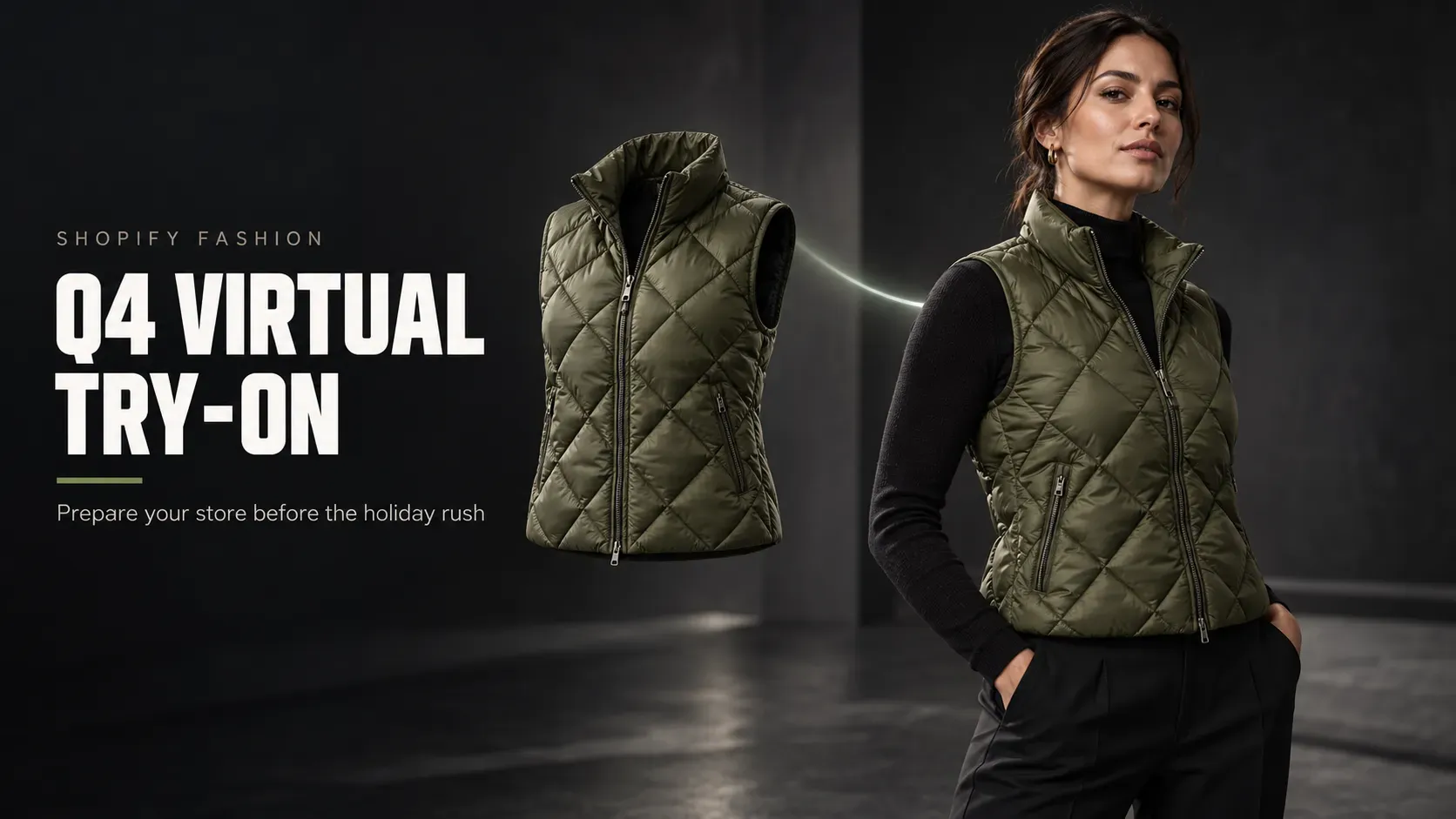
Get your Shopify fashion store Q4‑ready for global holiday shoppers with AI virtual try‑on. Discover prioritized SKU selection, mobile‑first PDP optimization, QA checklist & performance metrics before Black Friday, Christmas & New Year peak traffic.
Prepare Your Shopify Fashion Store for Q4 With Virtual Try-On (2026)
Shopify fashion stores should enable virtual try-on before Q4 traffic peaks—on a small set of silhouette-driven products such as dresses, jackets, and occasionwear with clear garment photos—then measure usage, add-to-cart, and shopper feedback before expanding. AI virtual try-on is a visual preview on a shopper's photo, not a size or fit guarantee. Keep size charts and fabric details visible, and test the full workflow on mobile first.
What is Shopify virtual try-on for fashion?
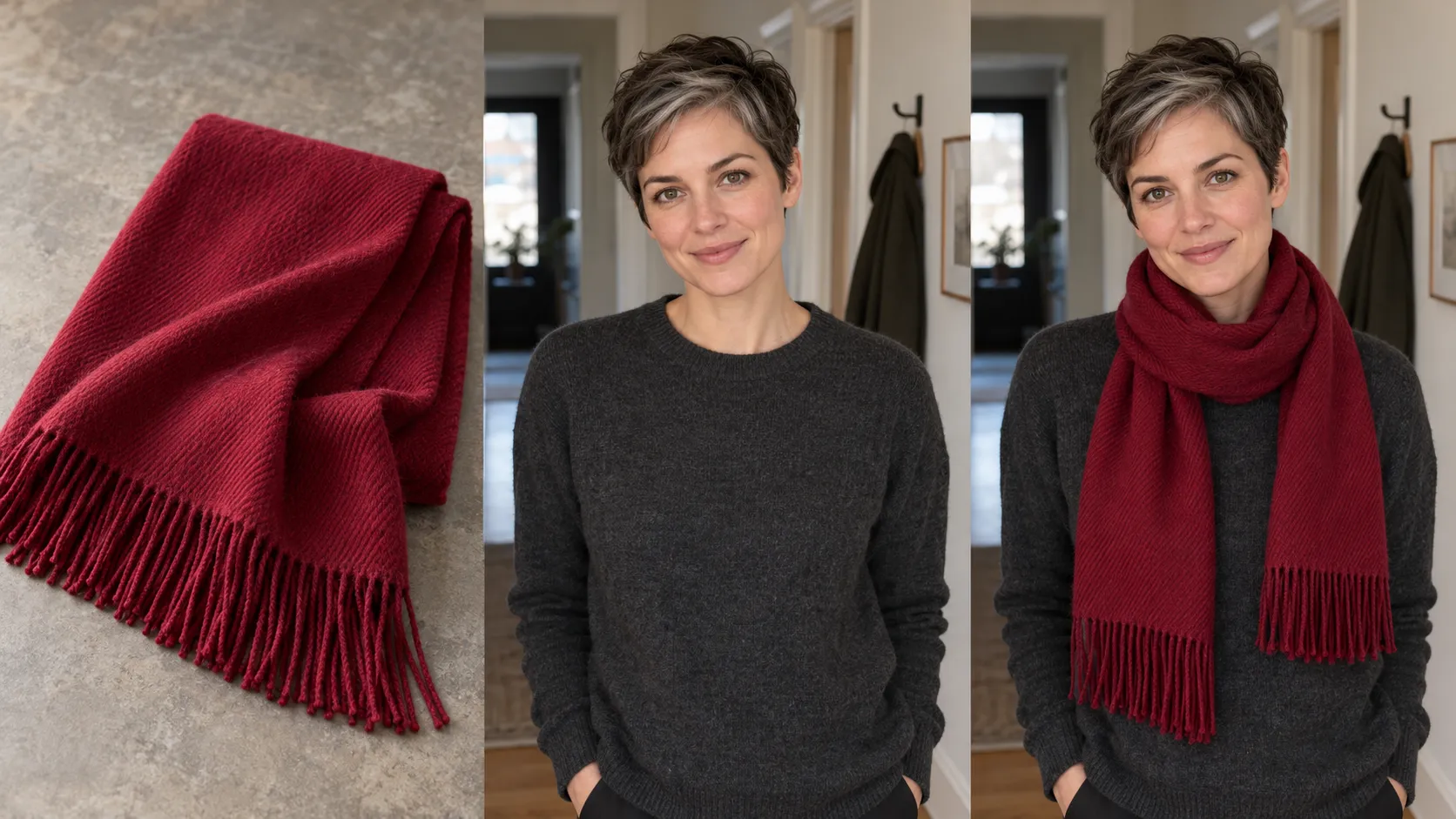
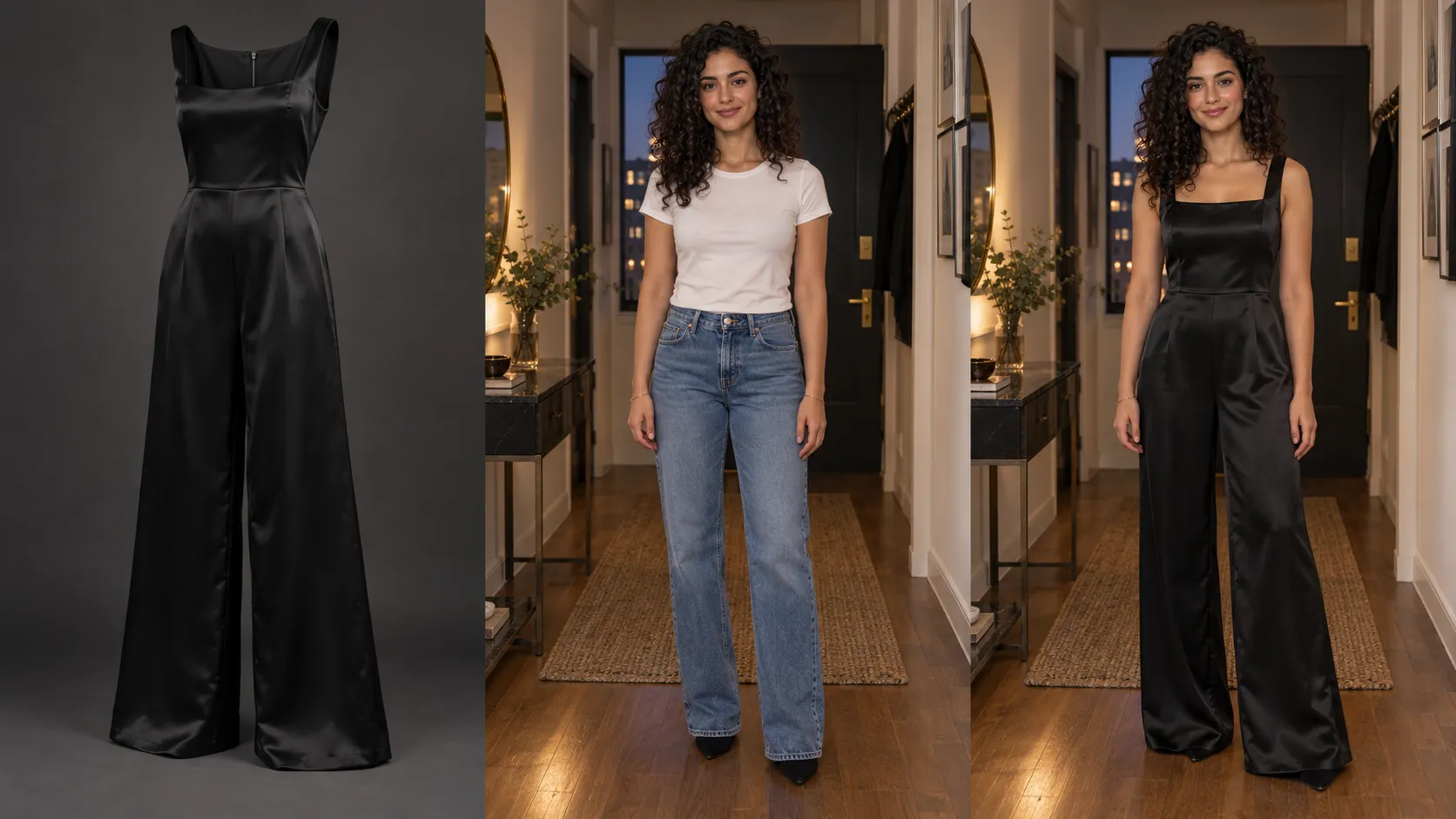
Shopify virtual try-on is an in-page preview that composites a garment image onto a shopper-uploaded photo. It gives customers an extra visual reference while they browse dresses, outerwear, and tops. It is not a fitting tool. It does not measure the body, predict size, or reproduce fabric drape, stretch, or weight. Product photos, size charts, and fit copy still do the commercial work; try-on only answers a visual question that a flat lay or model shot may leave open.
That distinction matters in Q4. Shoppers often buy for a party, a gift, or a deadline. A useful preview can support the decision. It should never be described as a way to "get the size right" or to skip measurements.
Why review fashion product pages before Q4?
Q4 is the right time to review fashion product pages because shoppers buy against a deadline and leave pages that leave silhouette, color, or size unclear.
Halloween outfits, Black Friday baskets, Christmas gifts, and New Year's Eve looks all compress research time. A customer who cannot tell how a dress sits, how a coat reads on the body, or whether a color matches an occasion will bounce or default to a retailer that shows more.
A useful Q4 review answers three questions:
1. Can shoppers understand the product quickly? Photos, colors, and sizing should be easy to find.
2. Are important visual questions unanswered? Some garments need a preview beyond standard photography.
3. Does the mobile experience work? Image galleries, details, and any extra interaction must work on a phone without extra friction.
You do not need a full theme rebuild. Start with the seasonal SKUs that will actually take traffic.
Match the first test SKUs to the next Q4 deadline, not to the whole catalog:
| Window | Typical fashion intent | Stronger try-on candidates |
|---|---|---|
| Late October | Halloween / themed nights | Distinct silhouettes, statement dresses |
| November (pre-BFCM) | Coats, knitwear, early partywear | Structured jackets, coats, cocktail dresses |
| BFCM / Cyber | Gifts and known bestsellers | High-traffic SKUs with clean source images |
| December | Holiday gatherings, last-minute gifts | Occasion tops, festive outfits |
| New Year's Eve | Formal / going-out looks | Evening dresses, tailored sets |
Skip SKUs whose photos are cropped, accessory-heavy, or too busy for a preview to keep the design intact. Busy all-over prints that warp at the hem, sheer layers that fill in, and garments shot at an angle that hides the hem are common QA failures; keep them out of the first batch.
Which Shopify products should you prioritize for virtual try-on?
Prioritize dresses, structured outerwear, and occasion tops whose buying decision depends on overall silhouette and whose source photos show the full garment.
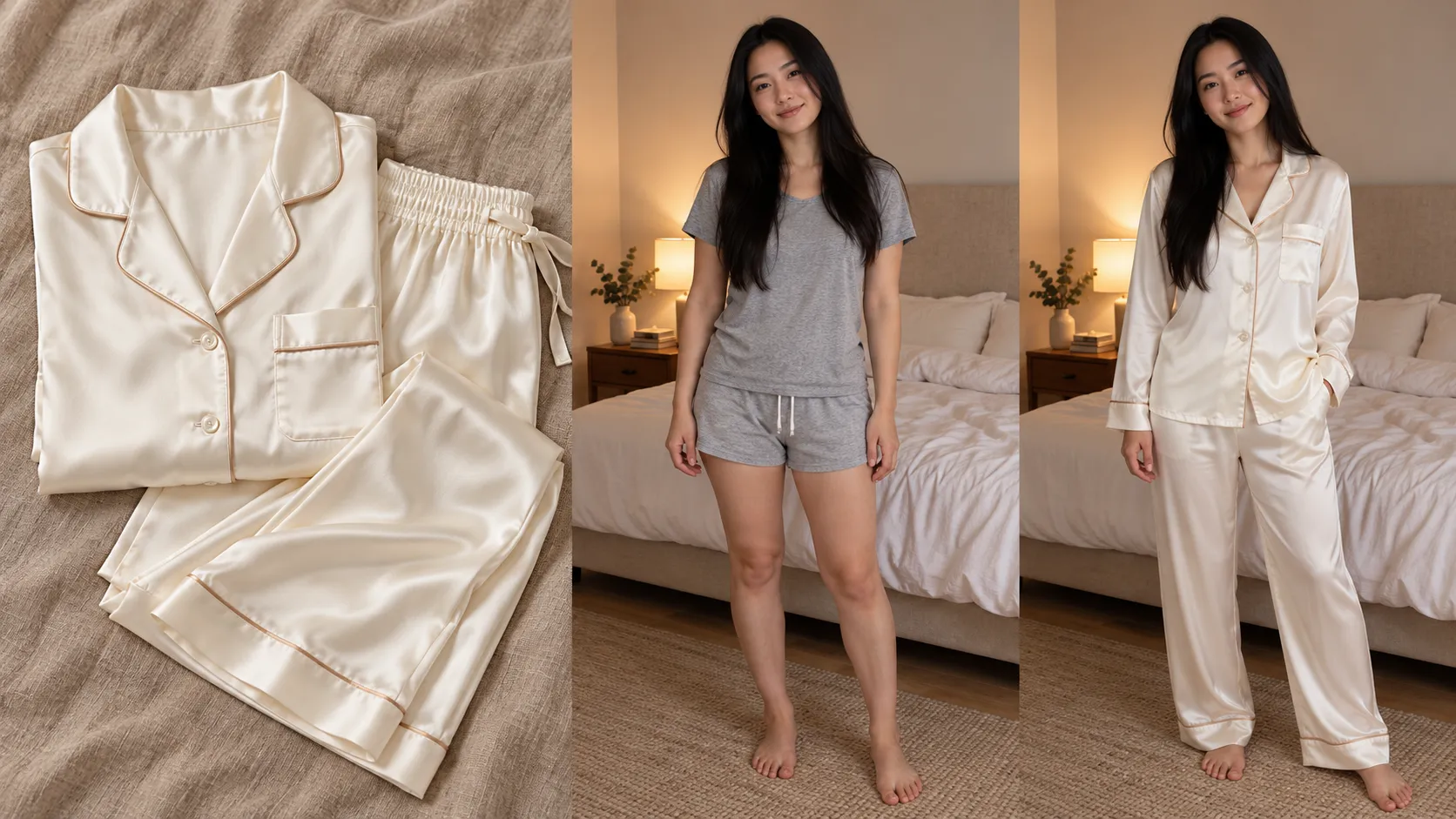
Category labels are a starting point, not a rule. Score each SKU against these five checks:
| Check | Pass if... | Fail if... |
|---|---|---|
| Silhouette matters | Shoppers need to see shape, not only fabric close-ups | The item is a basic whose look is already obvious |
| Occasion is specific | The piece is bought for a party, gift, or event look | It is a commodity refill with no visual debate |
| Source image is usable | Full garment, true color, neckline and sleeves visible | Cropped, cluttered, or design details hidden |
| Output is reviewable | You can spot wrong collars, missing prints, or color drift | You cannot QA the result before shoppers see it |
| You can measure after launch | The SKU has enough traffic or questions to learn from | You have no baseline and no reason to compare |
Do not rank by traffic alone. A busy PDP with clear photography may not need another visual tool. A lower-traffic dress that generates "how does this look on me?" tickets can be a better test.
If you need a Shopify-hosted preview workflow for that first set, add a product-page clothing preview only on SKUs that pass the checklist. Keep the group small enough to inspect every generated result. Expand only after the workflow, images, and copy hold up.
How do you prepare the Shopify product page?
Prepare the page as a complete buying surface, then add try-on as one optional path. Follow the six steps below in order.
Step 1: Audit the existing product page
Review each selected PDP as a first-time customer. You should be able to name the garment's main features, see available sizes and colors, and match photos to the description.
Fix gaps that create uncertainty before you add a new interaction:
• Size charts and garment measurements
• Model measurements, where you have them
• Fabric composition and care
• Fit language (relaxed, slim, oversized)
• Front, back, and detail shots
Virtual try-on does not replace this block. A shopper who skips the preview must still be able to buy with confidence.
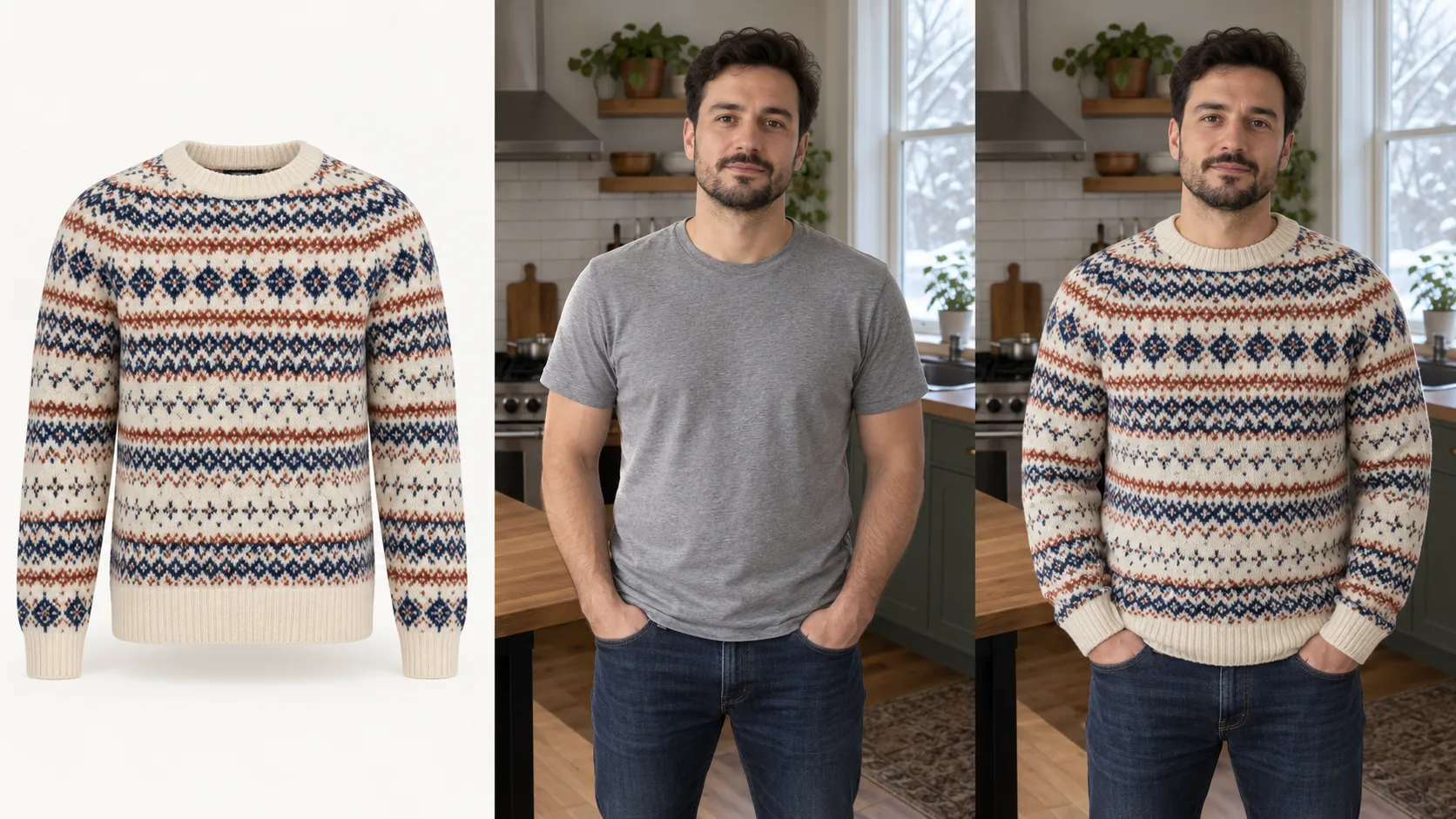
Step 2: Check source images before you generate previews
The source image is the input. If the garment is unclear in the photo, it will be unclear in the preview.
Prioritize images where design, color, neckline, sleeves, and defining details are accurate and unobstructed. Check every color variant separately. A preview of one color is not a preview of the rest.
Reject outputs that change a defining feature—wrong hem, missing print, shifted neckline, or a fabric that no longer looks like the product you sell. Those results should not go live.
Only if the same asset also contains baked-in campaign copy (headlines, promo lines, care callouts) will those pixels stay in the original language after the theme switches. In that case, translate text baked into product images before Q4 creative locks, then re-check that the garment is still the hero of the frame. If the photo is garment-only, skip this step.
Step 3: Add the try-on experience and walk the shopper path
Review the app's current capabilities, install requirements, pricing, and theme compatibility. Follow the live setup instructions; product-page layouts are not identical across Shopify themes. Vidoly Virtual Try On is a Shopify app that generates AI clothing previews on selected product pages. Merchants can evaluate Vidoly Virtual Try On when they need SKU-level control, image QA before launch, and a shopper-facing preview that sits on the PDP rather than a separate microsite.
It is a fit for catalogs that already have size charts, usable garment photos, and a small seasonal set you can review by hand. It is not a fit if source images are weak, sizing copy is missing, or you plan to market the preview as a guaranteed fit. Do not turn it on storewide the week of Black Friday to "see what happens."
After you configure it, test the path a shopper actually takes:
1. Open a selected product page.
2. Find the try-on entry point without hunting.
3. Follow the on-page instructions.
4. Complete the preview workflow.
5. Check the result next to photos, price, and size options.
6. Return to product details and continue toward checkout.
On many Online Store 2.0 product templates, a sticky add-to-cart bar will cover a try-on button placed at the bottom of the media gallery. Put the entry point with the product form—below the variant picker and above Buy now—or the mobile path breaks even when desktop looks fine. If the control is hard to find, the copy is unclear, or the overlay fights your layout, fix that before you enable more SKUs.
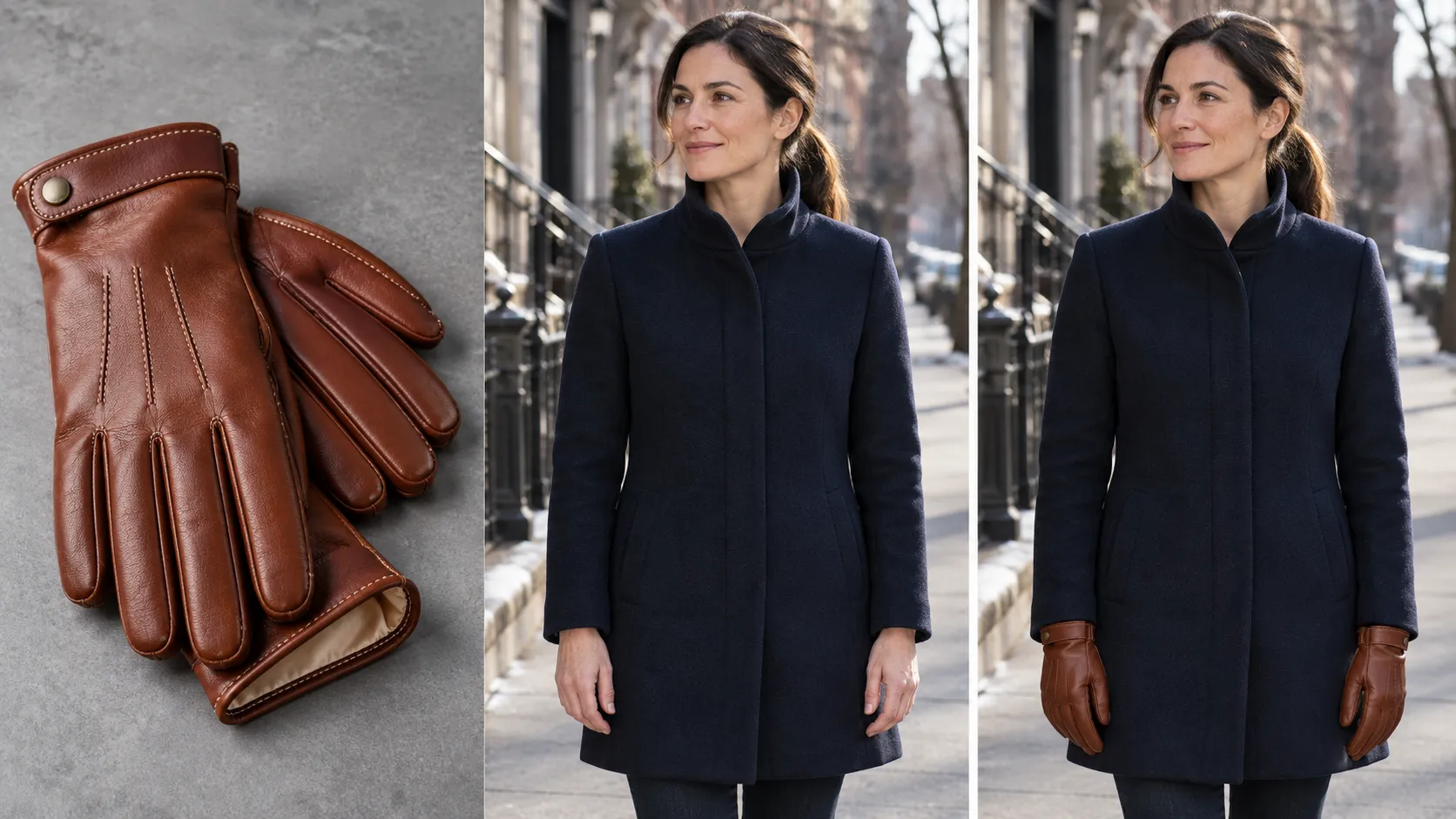
Step 4: Test the full workflow on a phone
Most Q4 sessions happen on mobile. A desktop-only check will miss cramped buttons, clipped instructions, and slow image loads. Run the complete flow on a phone, not only the first tap. Confirm loading behavior, how the result is shown, and the path back to size and shipping information. If you use custom PDP sections or other apps, look for stacked modals and overlapping CTAs.
Step 5: Keep buying information visible
Do not let the new control hide the facts people need to purchase. Sizing, materials, care, shipping, and returns should stay on the page. If the preview is illustrative, say so. Avoid copy such as "see your exact fit" or "never guess your size again."
If you sell in more than one market, review the PDP that shopper actually sees—not only the translated description. Image localization and virtual try-on solve different jobs. Vidoly Image Translator is for on-image copy; try-on is for garment appearance. Neither replaces a pass over size charts, measurements, and localized product copy.
Step 6: Run a pre-launch quality checklist
Use the same list on every SKU in the test set:
Record failures and fix them before you scale. A tight, checked rollout teaches more than a catalog-wide switch.
What can AI virtual try-on show vs not show?
AI virtual try-on can show a style impression on a personal photo. It cannot confirm size, stretch, weight, or real-world drape.
| It may help shoppers | It should not be treated as |
|---|---|
| See overall style on their own photo | Exact size selection or body measurement |
| Get a reference beyond standard PDP photography | Real texture, stretch, weight, or movement |
| Compare the visual impression of a few styles | Precise drape, comfort, or in-person appearance |
Keep accurate product information in place. Do not claim that try-on removes sizing uncertainty. Gift buyers and event shoppers are especially likely to over-trust a flattering still image.
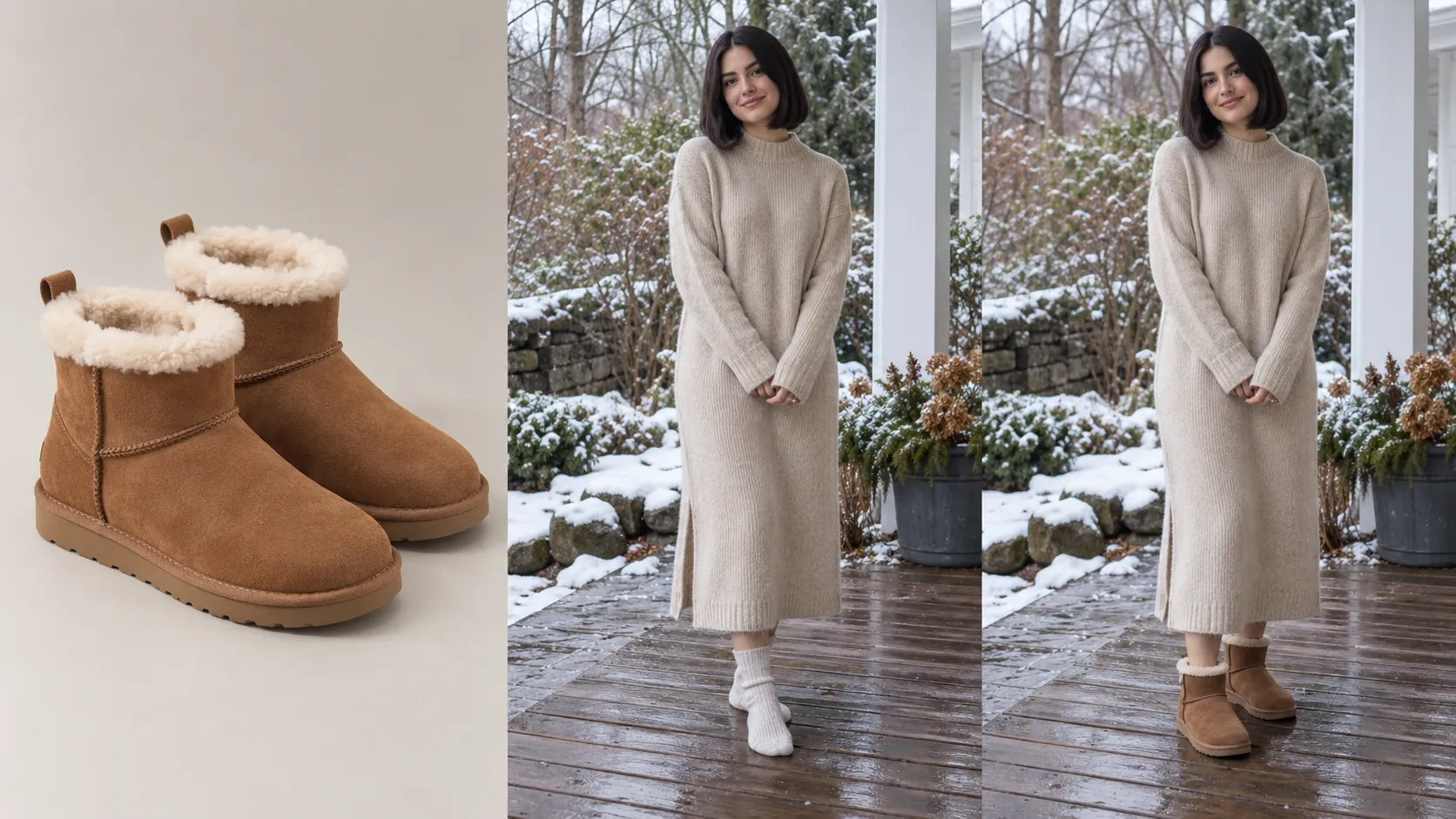
How do you measure the virtual try-on test before scaling?
Measure three layers before you roll out to more products: feature usage, product-page conversion, and qualitative complaints about result quality or misleading fit claims.
Define the criteria before the test starts. Shopify's native reports will show product-page views, add-to-cart, and orders. They will not automatically record try-on opens or completed previews unless those events are captured from the app or a custom pixel. Confirm what is actually tracked.
Treat app reports as usage and Shopify analytics as commerce. Do not merge them into one vanity number.
1. Did shoppers use it?
Look at:
• PDP views on SKUs where try-on is on
• Clicks on the entry point
• Workflow starts and completions, if available
• Comments on ease of use and result quality
If the app does not expose those events, agree on names before launch—for example tryon_open, tryon_complete, and tryon_result_view—and publish them so usage is comparable week to week. Check Vidoly's app reporting for which of those interactions are already logged, then fill gaps with your pixel. Usage shows notice and engagement. It does not prove incremental sales.

2. Did shopping behavior change in a fair comparison?
Then look at add-to-cart, checkout progression, and purchases for the test set.
Compare similar products, or use a defined test window. A try-on SKU may also have different price, ads, or discount depth. Log those changes.
3. What did shoppers say?
Read support threads, PDP questions, and reviews for repeats:
• They cannot find the feature
• Instructions are unclear
• Previews drop important garment details
• They treat the image as a size recommendation
• Product information is still too thin after the preview
Sometimes the next step is better photos or a clearer size chart, not more SKUs with try-on.
Then pick one action:
Expand if the workflow is usable, outputs match the product, and results justify a wider test. Improve if interest is there but images, copy, placement, or PDP facts are weak. Pause if the feature does not fit the products or feels misleading. There is no universal conversion lift that makes try-on "worth it" for every store. Use your own baseline.
Frequently asked questions
Does Shopify include virtual try-on by default?
No. Shopify does not ship a native clothing try-on tool on product pages. Fashion stores add the workflow with a compatible app, then decide which products show it.
Should I enable try-on on every color variant?
No. Generate and QA each color you plan to show. A preview of one color is not a preview of the rest, and a weak variant image should stay off until the source file is fixed.
Will a try-on app slow down my Shopify theme?
It can, if the entry point, modal, and image generation fight other PDP apps or a sticky cart bar. Test the full mobile path on your live theme and remove overlap before BFCM traffic arrives.
Can virtual try-on reduce fashion return rates?
Not by itself, and it should not be promised as a returns reducer. A clearer silhouette can support a decision; size, fabric, and drape still come from charts and copy. Track returns only alongside those other changes.
What should I tell gift-buyers about the preview?
Tell them it is a style reference on a photo, not proof of size or how the garment will look in person. Point gift-buyers to the size chart, model measurements, and your return window.
Prepare the store before the holiday rush
Q4 preparation is about making seasonal buying clearer, not about adding features for their own sake.
Select garments where an extra visual reference may help. Fix source images. Keep size and product facts complete. Test on mobile. Measure what shoppers actually do. Then expand, improve, or pause based on that evidence—not on a catalog-wide toggle the week of Black Friday.
Add AI virtual try-on before the holiday traffic peaks.
Start with a small set of silhouette-driven products, test the mobile workflow, and scale based on real shopper evidence.
Install Vidoly Virtual Try On on ShopifyRelated Articles
Shopify Virtual Try-On: How to Let Customers Try Clothes Before Buying
Can ChatGPT Really Do AI Virtual Try-On? We Tested It vs. Vidoly (With Real Examples)
How AI Replaces a Traditional Fashion Photoshoot: A Step-by-Step E-Commerce Case Study