
Q4 Influencer Content Ideas: How to Create More Ecommerce Content with AI in 2026
 By Vivi/1 min read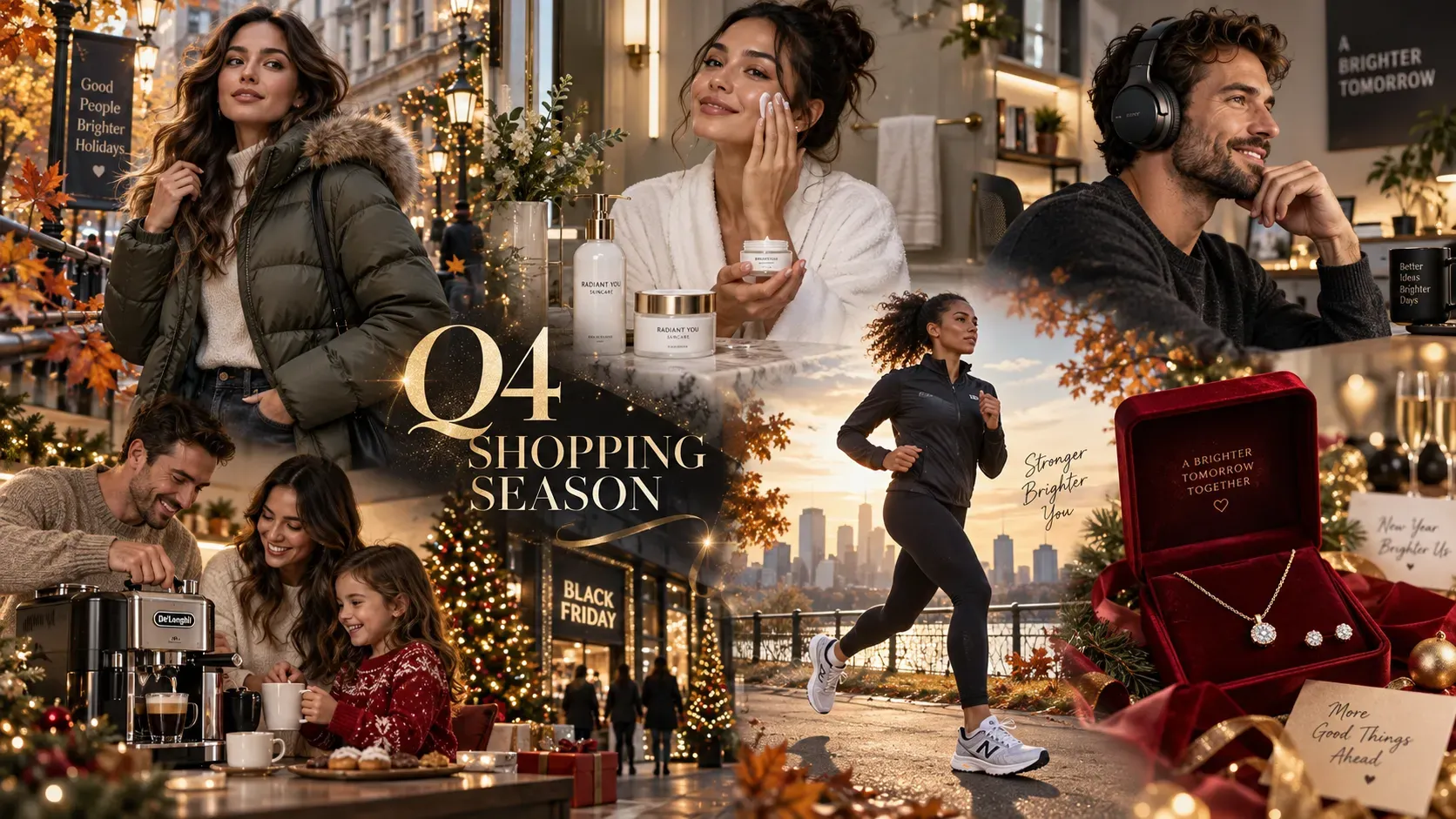
Scale your Q4 ecommerce content with AI. Learn how influencers & affiliates turn a single product photo into holiday gift guides, short videos, and ad creative.
4 Influencer Content Ideas: How to Create More Ecommerce Content with AI in 2026
Q4 isn't short on products to promote—it's short on time to create all the content those products require.
For creators, influencers, and affiliate-focused content publishers, the final quarter brings an explosion of brand deals, holiday gift guides, and peak shopping events like Black Friday, Cyber Monday, and year-end promotional sales. However, physically shooting, editing, and formatting dozens of unique visuals for Instagram, TikTok, Pinterest, and Amazon Storefronts often creates a severe production bottleneck.
If you are looking for scalable Q4 influencer content ideas, the most effective strategy isn't producing every post from scratch—it's systematically expanding your best core photography into channel-specific formats using generative workflows. This makes AI content creation for influencers particularly critical during peak holiday shopping windows.
This guide is designed for ecommerce influencers, Amazon affiliates, UGC creators, and brand partners who need to produce more Q4 visual content without increasing the number of physical photoshoots.
1. Quick Answer: How Can AI Help Influencers Scale Q4 Content?
AI enables creators to turn a single high-quality product photo into multiple campaign-ready assets. By acting as a visual execution engine, AI allows creators to execute five key actions, with many individual visual variations that can be generated quickly:
1. Repurpose Existing Assets: Transform static supplier or studio product photos into versatile lifestyle scenes.
2. Generate Seasonal Environments: Place products into cozy autumn or festive holiday settings without expensive props or studio rentals.
3. Build Endorsement Visuals: Combine product packaging with creator headshots for polished recommendation graphics.
4. Animate Static Imagery: Turn still product photography into 5-second dynamic motion loops for short-form video feeds.
5. Produce Campaign Variations: Output multiple ad hooks and layout formats for brand partners and sponsored posts.
Q4 influencer content scaling means turning a small number of high-quality source assets into multiple platform-specific content formats, rather than creating every asset from scratch.
Production Reality Check: While AI can help creators generate individual visual assets in minutes, building a complete multi-channel campaign still requires human oversight for asset selection, copywriting, brand compliance, disclosure review, and final publishing.
The Core Q4 Influencer Content Framework: Create Once, Repurpose Everywhere
Instead of reshooting scenes for every single platform, modern creators adopt a "Create Once, Repurpose Everywhere" strategy to maximize output from every holiday product photography session.
1: Product-First Pipeline
Product Photo ➔ Seasonal Lifestyle Scene ➔ Motion Short Video
Best when the physical product is the main focus and you already have clean studio or supplier photography. Generate several seasonal contexts before selecting the strongest visual for animation.
Path 2: Creator-First Pipeline
Creator Portrait ➔ Virtual Garment Try-On ➔ Contextual Scene ➔ Social Graphic
Best when your personal brand, aesthetic style, or physical look drives the purchasing decision.
Path 3: Campaign-First Pipeline
Product + Creator Asset ➔ Hero Visual ➔ Animated Motion ➔ UGC Ad Variations
Best when executing sponsored contracts requiring multi-format deliverables for paid or organic channels.
Q4 Influencer Content Strategies by Niche
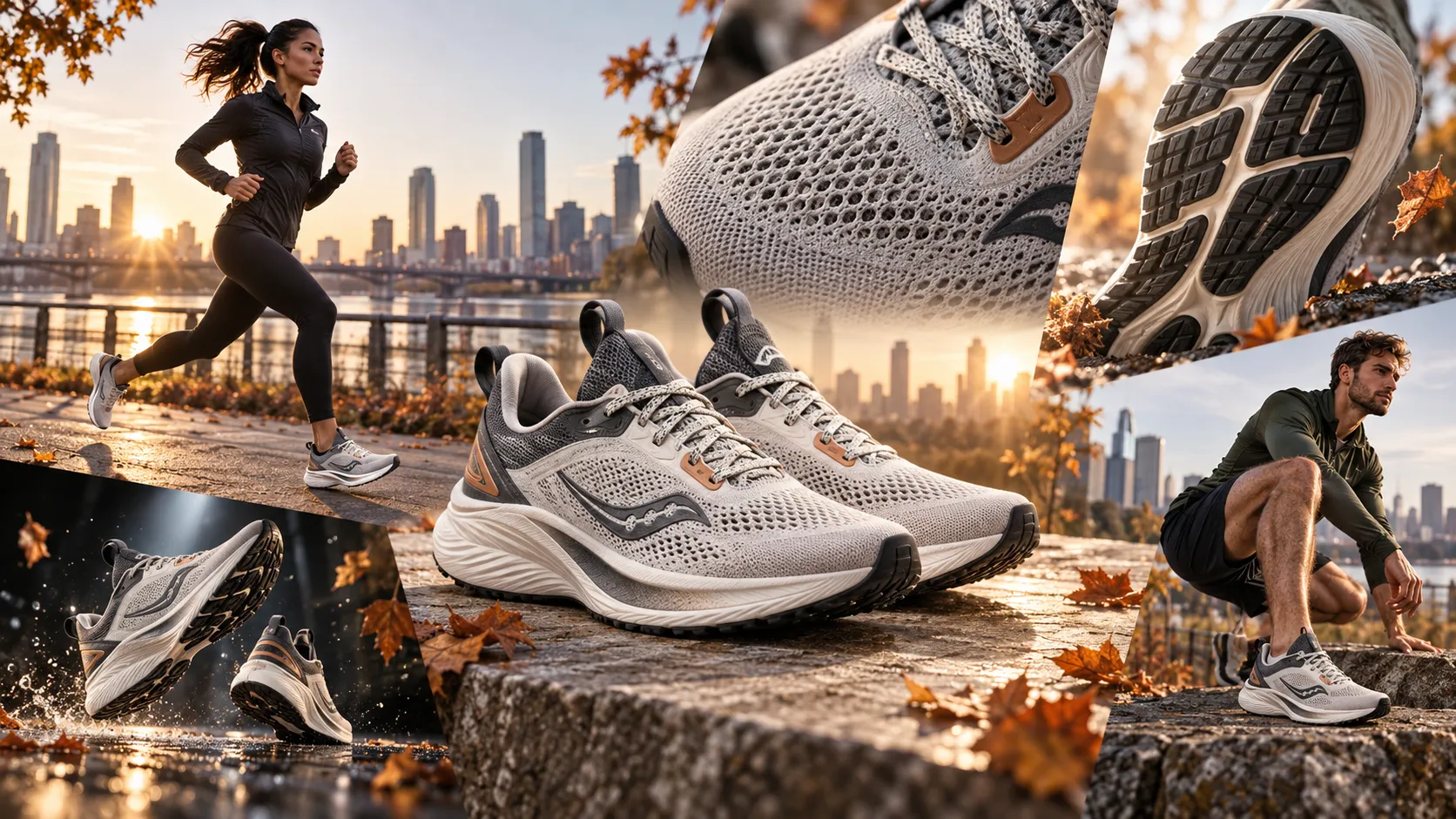
The best Q4 influencer content workflow depends on the product category because fashion, beauty, and affiliate content require different levels of product accuracy and creator authenticity.
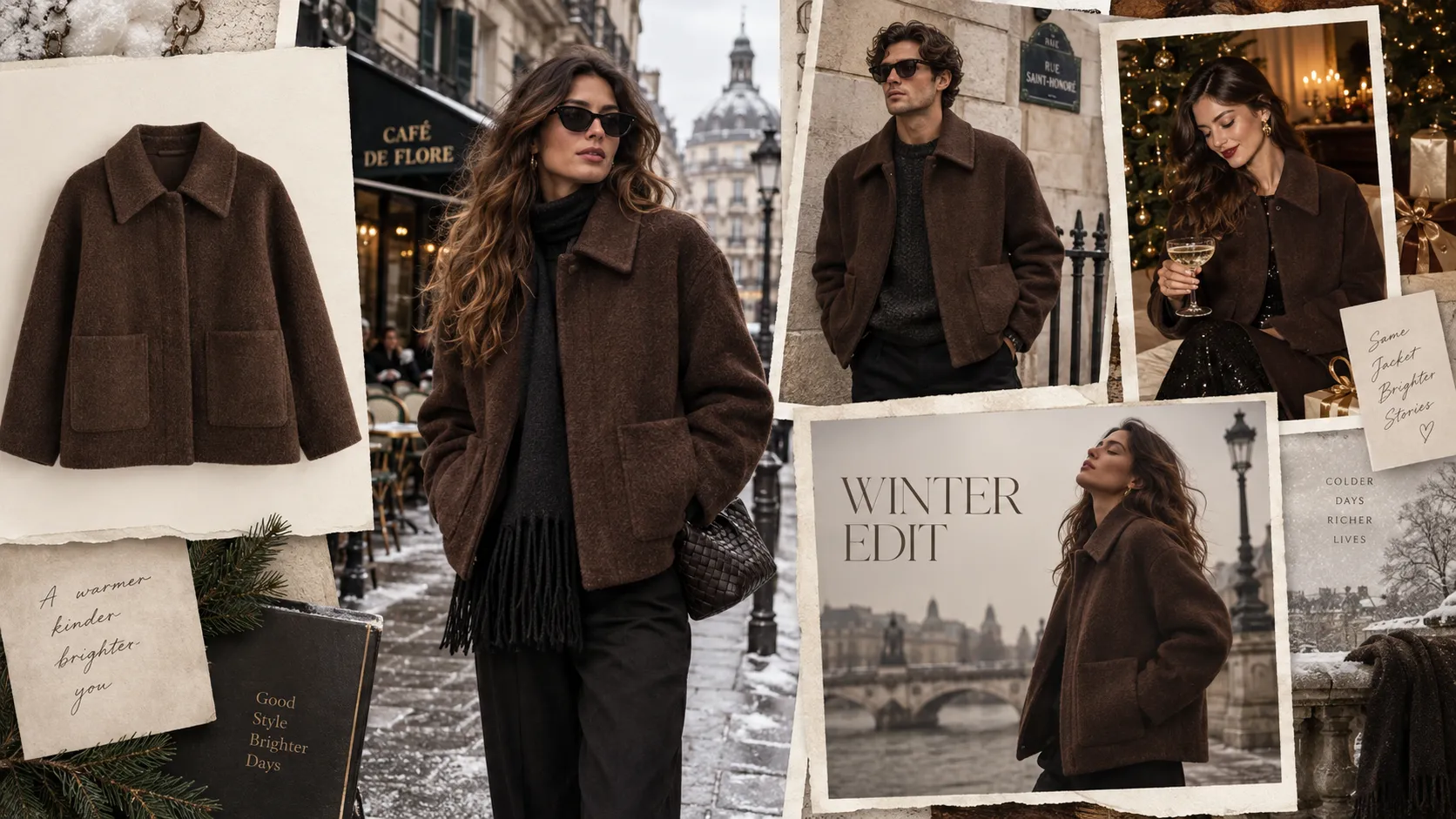
1. Fashion & Apparel: Sponsored Products vs. Editorial Concepts
For fashion creators, the most useful Q4 workflow separates exact-garment sponsorships from broad conceptual lookbooks:
• Sponsored Product Showcase: When contracted to represent a specific garment, leverage Virtual Try-On tools to visualize fit, drape, and silhouette compatibility across model portraits while maintaining the exact garment colorway and recognizable details.
• Editorial Styling & Lookbooks: When gathering holiday influencer content ideas for broad outfit lookbooks, use AI Clothes Changer tools to experiment with styles, test colorways, and explore seasonal layering concepts.
Transparency Note: AI try-on tools serve as visualization aids—always disclose conceptual styling to maintain audience trust.
2. Beauty & Skincare: The 3-Angle Visual Strategy
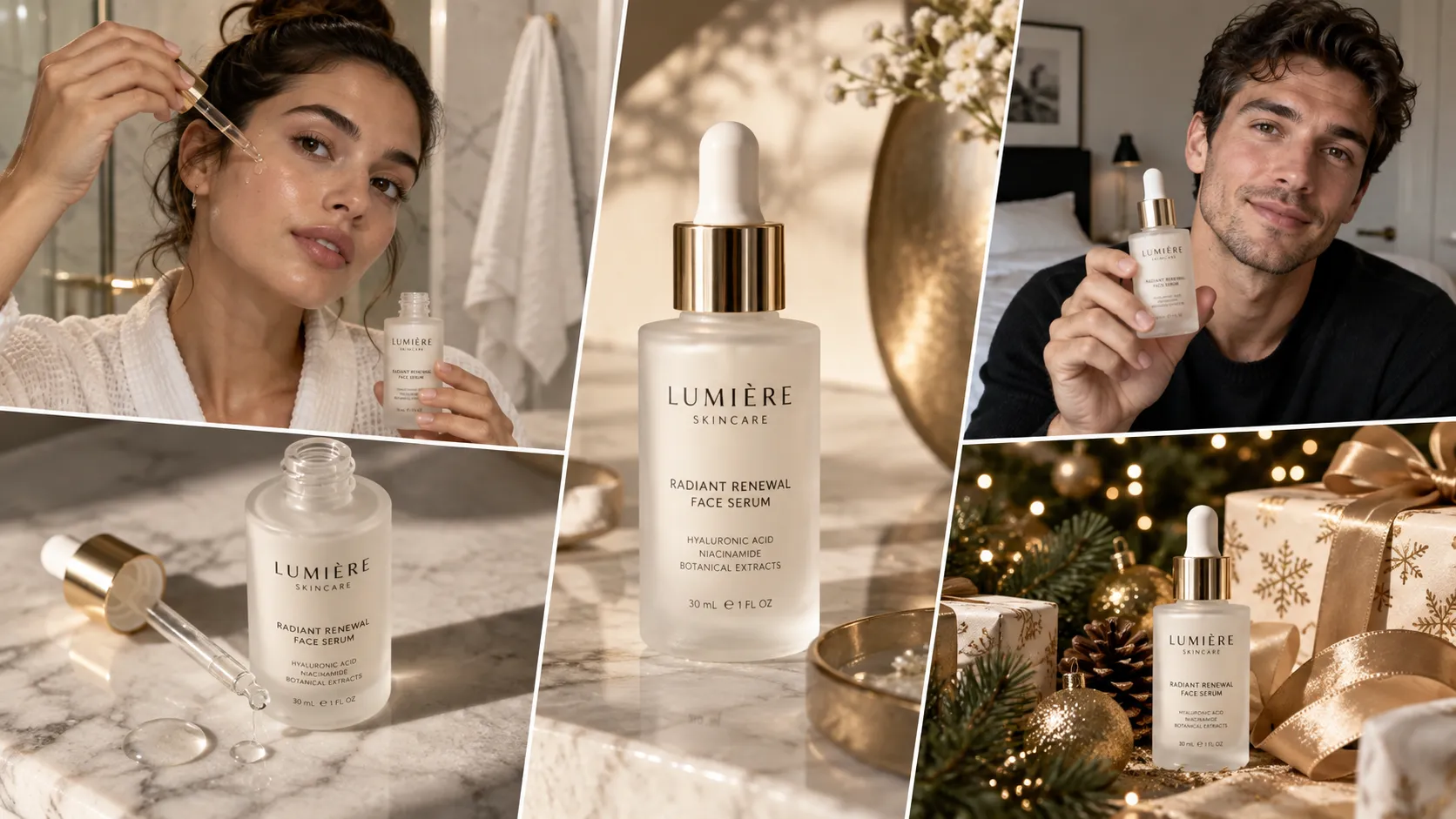
For beauty influencers, the most useful Q4 workflow separates product presentation, creator endorsement, and seasonal gift-guide imagery into three distinct visual jobs:
1. Product-First (Packaging & Aesthetic): Highlight the product packaging and visually suggest a clean skincare aesthetic.
2. Creator-First (Endorsement): Composite creator portraits alongside product packaging for authentic recommendation graphics (e.g., presenting the serum bottle to the camera).
3. Seasonal-First (Gift Set Framing): Place hero products into holiday gift guides and festive vanity settings.
Authenticity Reminder: AI-generated visuals can improve visual presentation, but they should never be used to imply skin transformation or physical results that the creator has not personally experienced.
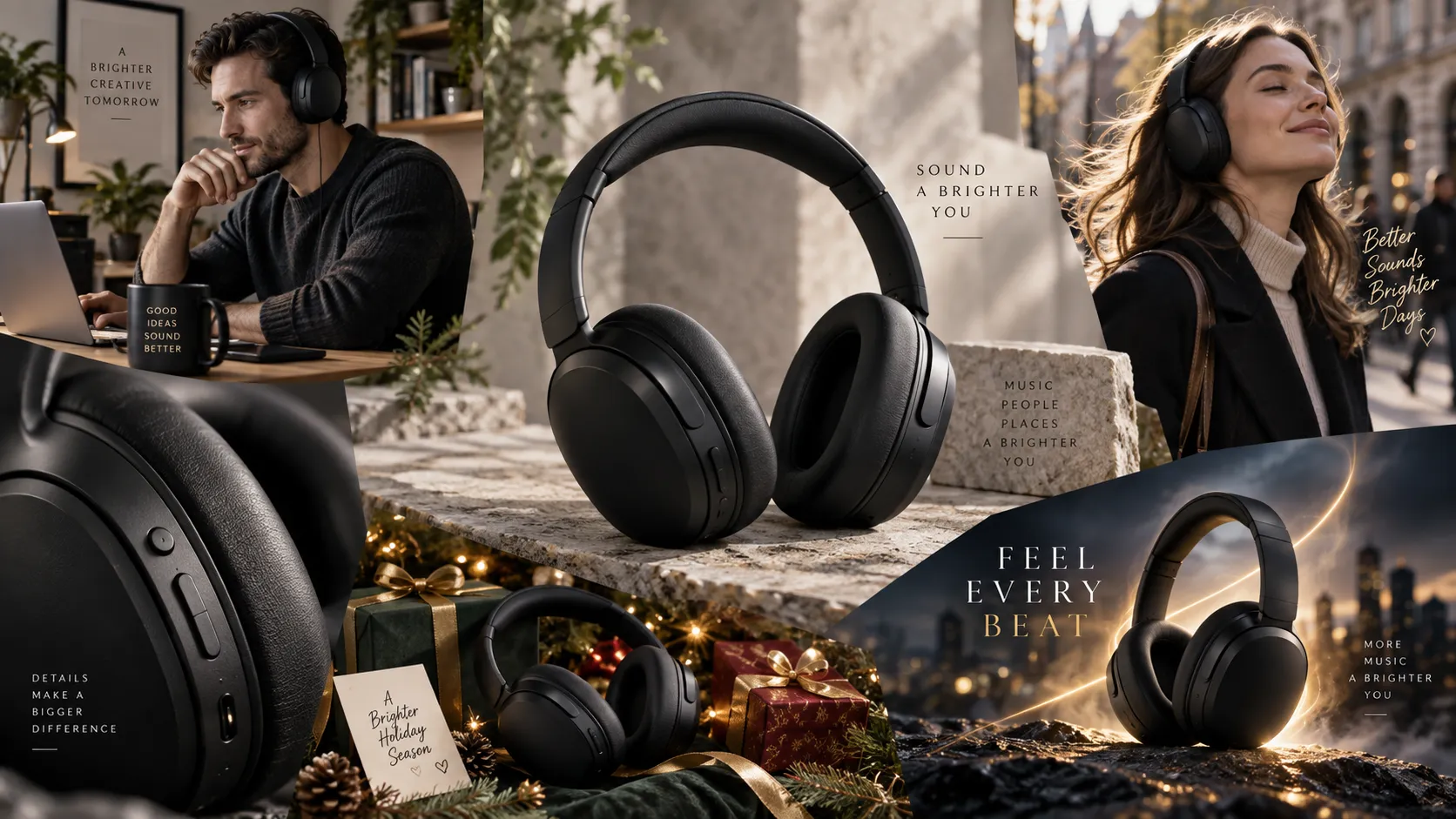
3. Amazon & Affiliate Creators: The 7-Asset System
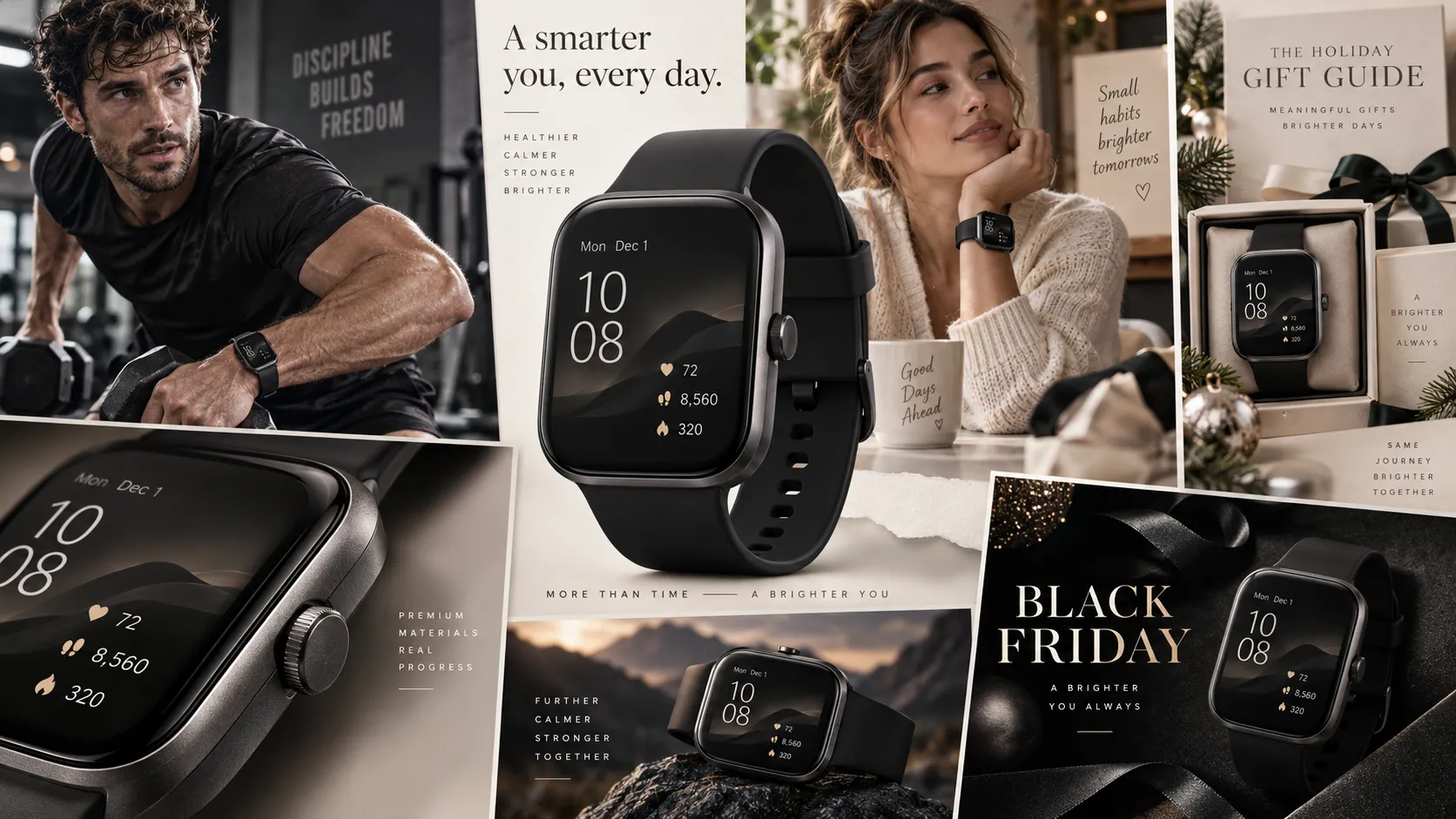
1. Amazon Storefront / Idea List Visual: Clean, high-resolution header or tile banner for curated recommendation lists.
2. Pinterest Gift Guide Pin: Vertical 2:3 imagery designed for seasonal inspiration boards.
3. Instagram Story Product Card: Mobile-optimized 9:16 layout featuring call-outs for promo codes or affiliate links.
4. TikTok Product Highlight Cover: High-contrast vertical cover image designed to stand out on video grids with clear visual hierarchy at thumbnail size.
5. Side-by-Side Comparison Collage: Multi-asset graphic highlighting key product features or seasonal bundles.
6. Animated Product Showcase Video: Short 5-second motion loop produced via image-to-video tools.
7. Black Friday Deal Graphic: Clean product display with dedicated overlay space for discount codes and promo details for Black Friday influencer content.
8. Policy Note for Amazon Affiliates: If you use Amazon-provided product images, logos, or other Program Content, check the current Amazon Associates and Influencer Program rules before modifying or redistributing those assets. Amazon's terms restrict altering certain Program Content and Amazon Marks. When possible, use your own original product photography as the source asset for AI transformations.
Example Workflow: One Serum Photo ➔ 8 Q4 Channel Assets
The following workflow illustrates a practical multi-channel pipeline showing how creators can scale holiday product photography from one clean product photo and one creator portrait without additional photoshoots.
Input Assets:
• Asset A: One raw studio photo of a 30ml Hydrating Serum on a plain background.
• Asset B: One clear creator headshot.
Input: Studio Serum Photo + Creator Headshot
1. E-commerce Hero Visual — Channel: Blog / Storefront — Purpose: Clean visual anchor
2. Festive Holiday Scene — Channel: Gift Guides — Purpose: Seasonal context
3. Creator Endorsement Graphic — Channel: IG Feed / Carousel — Purpose: Human trust element
4. Pinterest Inspo Card — Channel: Pinterest Boards — Purpose: Search & pin discovery
5. Carousel Detail Slide — Channel: IG Slide 2 — Purpose: Conceptual detail focus
6. TikTok Video Cover — Channel: TikTok Grid — Purpose: Mobile thumbnail focus
7. Animated Product Video — Channel: Reels / Shorts — Purpose: Motion feed capture
8. Direct Response Ad Creative — Channel: Paid Meta / TikTok — Purpose: Conversion variations
The eight outputs work because they serve different stages of the content funnel rather than simply resizing the same image eight times.
Production Note: This workflow is designed around source-asset reuse rather than generating eight unrelated visuals. In a real production environment, creators should review each output for product accuracy, visual consistency, and channel-specific requirements before publishing.
Purpose & Production Prompts
1. E-commerce Hero Visual
• Channel: Ecommerce blog / storefront
• Purpose: Establish a clean product visual anchor for ecommerce blog reviews or recommendation pages.
• Tool: Product Background Generator
• Settings: Aspect Ratio 1:1 | Mode Minimalist Commercial Studio | Lighting Bright soft daylight
High-end commercial studio product photography of a 30ml skincare glass serum bottle, placed on a smooth light-grey Italian marble block, subtle soft sunlight casting natural shadows through a window, clean aesthetic, ultra-sharp focus, high-detail commercial photography, preserve original product packaging, proportions, and label placement.
2. Festive Holiday Scene
• Channel: Christmas gift guides / Pinterest
• Purpose: Add seasonal context for Christmas gift guides and holiday shopping roundups.
• Tool: Product Background Generator
• Settings: Aspect Ratio 2:3 | Mode Seasonal Lifestyle | Lighting Warm ambient holiday glow
Luxury holiday gift guide photography, skincare serum bottle sitting on a polished dark wood table next to subtle pine needles, small golden ornaments, and soft warm glowing Christmas fairy lights blurred in the background, elegant festive atmosphere, shallow depth of field, warm color grading, preserve original product packaging and label details.
3. Creator Endorsement Graphic
• Channel: Instagram Feed / Sponsored Posts
• Purpose: Add a human element to sponsored recommendation posts on social feeds.
• Tool: Product Marketing Image Generator (Compositing Mode)
• Settings: Aspect Ratio 4:5 | Composition Creator presenting product in foreground
A professional lifestyle photo of a smiling female creator in a cozy winter sweater holding a 30ml serum bottle toward the camera to present the product, clean modern bathroom interior background, natural window light, authentic social media influencer style, high resolution, preserve creator likeness and exact product packaging.
4. Pinterest Seasonal Inspo Card
• Channel: Pinterest
• Purpose: Capture early holiday gift inspiration search traffic on Pinterest.
• Tool: Product Background Generator
• Settings: Aspect Ratio 2:3 | Composition Top empty space reserved for typography
Vertical flat-lay aesthetic photo of a hydrating serum surrounded by eucalyptus leaves, a linen towel, and delicate gold jewelry on a beige plaster background, clean empty space at the top for typography, bright daylight, Pinterest visual aesthetic, preserve original serum bottle proportions.
5. Instagram Carousel Slide (Conceptual Detail Focus)
• Channel: Instagram Carousel
• Purpose: Create a stylized campaign visual to educate middle-funnel buyers on serum application aesthetics during breakdown posts.
• Tool: Product Background Generator
• Settings: Aspect Ratio 1:1 | Mode Macro / Conceptual Detail
Stylized conceptual skincare campaign visual, macro photography of a clear glass serum dropper releasing a glowing liquid drop, soft blue and golden reflections, clean skincare aesthetic, high-detail commercial photography, preserve original bottle design.
6. TikTok Video Cover (9:16 High-Contrast)
• Channel: TikTok / Shorts Grid
• Purpose: Capture feed attention with strong central composition at mobile thumbnail size.
• Tool: Product Background Generator
• Settings: Aspect Ratio 9:16 | Mode Pop & High Contrast
Vertical 9:16 product hero shot of a serum bottle placed in front of a dynamic frosted glass wall with vivid warm gradient lighting behind it, modern high-contrast aesthetic, strong central composition with clear visual hierarchy at thumbnail size, preserve exact product label.
7. Animated Product Short Video
• Channel: Instagram Reels / TikTok / YouTube Shorts
• Purpose: Engage audience feeds with dynamic motion on Reels, Shorts, and TikTok.
• Tool: Image-to-Video Generator
• Settings: Motion Intensity Low / Subtle | Camera Motion Slow zoom-in | Duration 5s
Slow camera zoom into the serum bottle, subtle light rays shimmering across the glass surface, gentle background light motion, smooth cinematic motion.
8. Direct Response UGC Ad Creative
• Channel: Meta Ads / TikTok Paid Sponsorships
• Purpose: Deliver versatile, conversion-focused ad layout variations to brand sponsorship partners.
• Tool: Ad Studio
• Settings: Aspect Ratio 9:16 | Template UGC Direct Response
Split-screen UGC ad style layout, top half showing creator presenting the serum bottle to camera, bottom half showing product close-up with text overlay placeholder reading 'Your Winter Hydration Hero', bright native TikTok aesthetic.
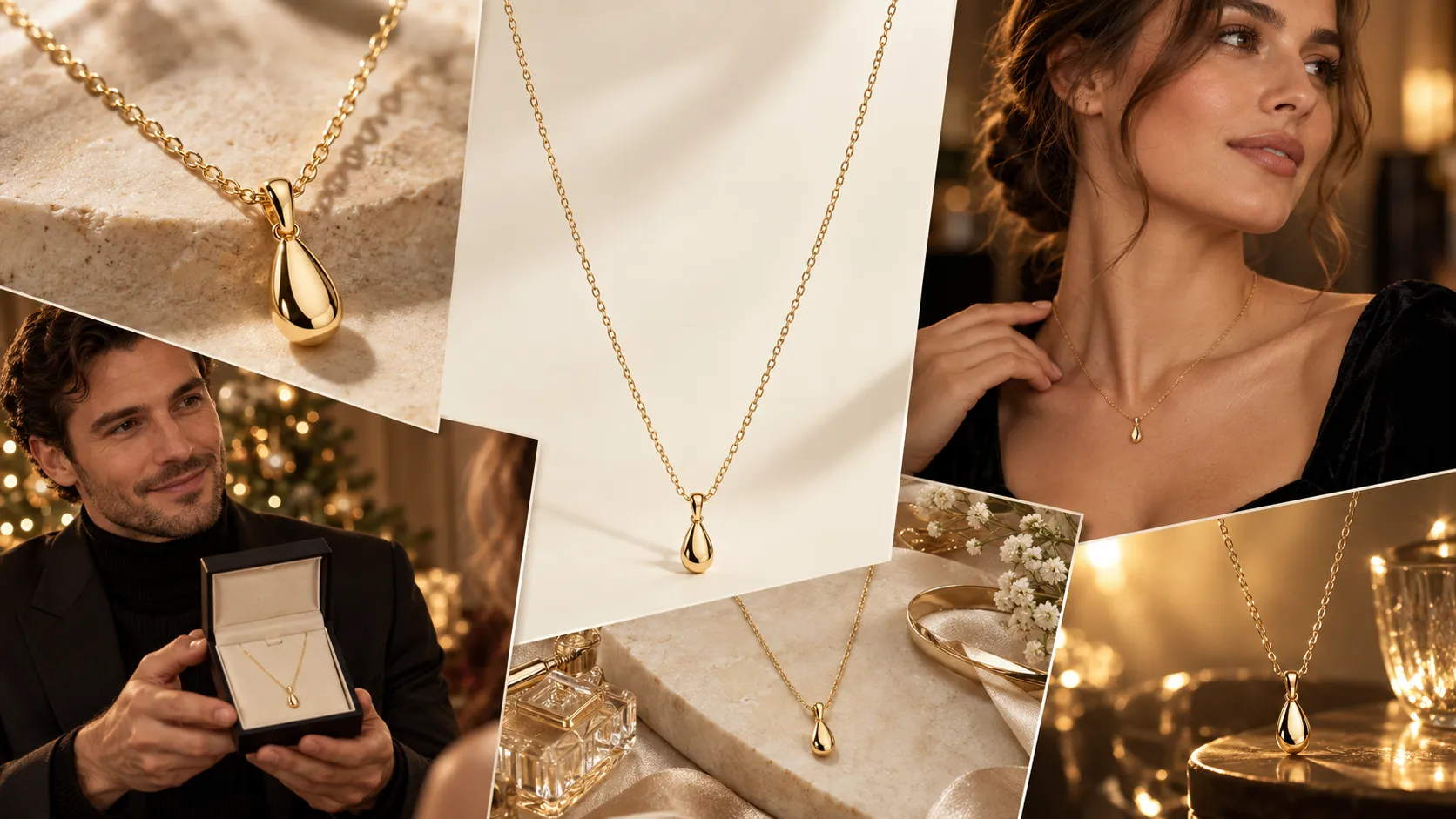
Decision Framework: Which AI Workflow Should You Choose?
Choose the workflow based on the asset you already have, not the content format you want to publish.
| Starting Asset | Campaign Goal | Recommended Workflow | Recommended Tool |
|---|---|---|---|
| Standard Product Photo | Generate lifestyle or holiday backgrounds | Product Background Transformation | Product Background Generator |
| Product + Creator Headshot | Create sponsored endorsement imagery | Creator & Product Integration | Product Marketing Image Generator |
Human Review & Compliance Checks
Before publishing any AI-assisted asset, perform a brief manual QA check:
• Product Integrity: Ensure brand logos, text, and product proportions remain un-distorted.
• Commercial Relationship Disclosure: Clearly disclose paid, gifted, affiliate, or other material relationships where applicable, in compliance with FTC requirements and other relevant advertising, consumer-protection, and platform rules, using disclosures that are easy for audiences to notice and understand (such as #ad or #sponsored where appropriate).
• AI Transparency: Follow applicable platform rules regarding AI-generated or AI-assisted content when visuals could materially affect how audiences understand the post.
• DO: Label Conceptual Visuals Clearly. Creators should consider clearly identifying AI-generated or AI-assisted visuals when the content could materially affect how audiences understand what actually happened, particularly in product demonstrations, reviews, and experience-based content.
• DON'T: Use AI to fabricate physical product results, invent fake before-and-after comparisons, or simulate real-world usage that you haven't tested yourself.
Q4 Content Planning Timeline
The exact promotional calendar varies by regional market, but the following timeline reflects the typical Q4 ecommerce cycle for major Western shopping markets:
| Period | Strategic Focus | Content Deliverables |
|---|---|---|
| Early October | Early Fall & Halloween | Fall lifestyle imagery, transition outfit lookbooks, early gift guides |
| Late October | Early Holiday Warm-up | Curated holiday wishlist headers, early affiliate pins, regional holiday teasers |
| Early November | Black Friday / Cyber Monday Teasers | Deal preview graphics, comparison collages, promo code overlays |
| Mid-November | Black Friday / Cyber Monday Week | Direct response ad variations, short-form video loops, Instagram stories |
| Early December | Holiday Gift Guides & Christmas | Festive product backgrounds, "Gifts for Her/Him" carousels, Pinterest pins |
| Mid-December | Last-Minute Shipping Deals | Urgency-driven story cards, digital gift card guides, regional ecommerce gift guides |
| Late December | New Year & Year-End Clearance | Year-end recap videos, New Year refresh imagery, post-holiday clearance sales |
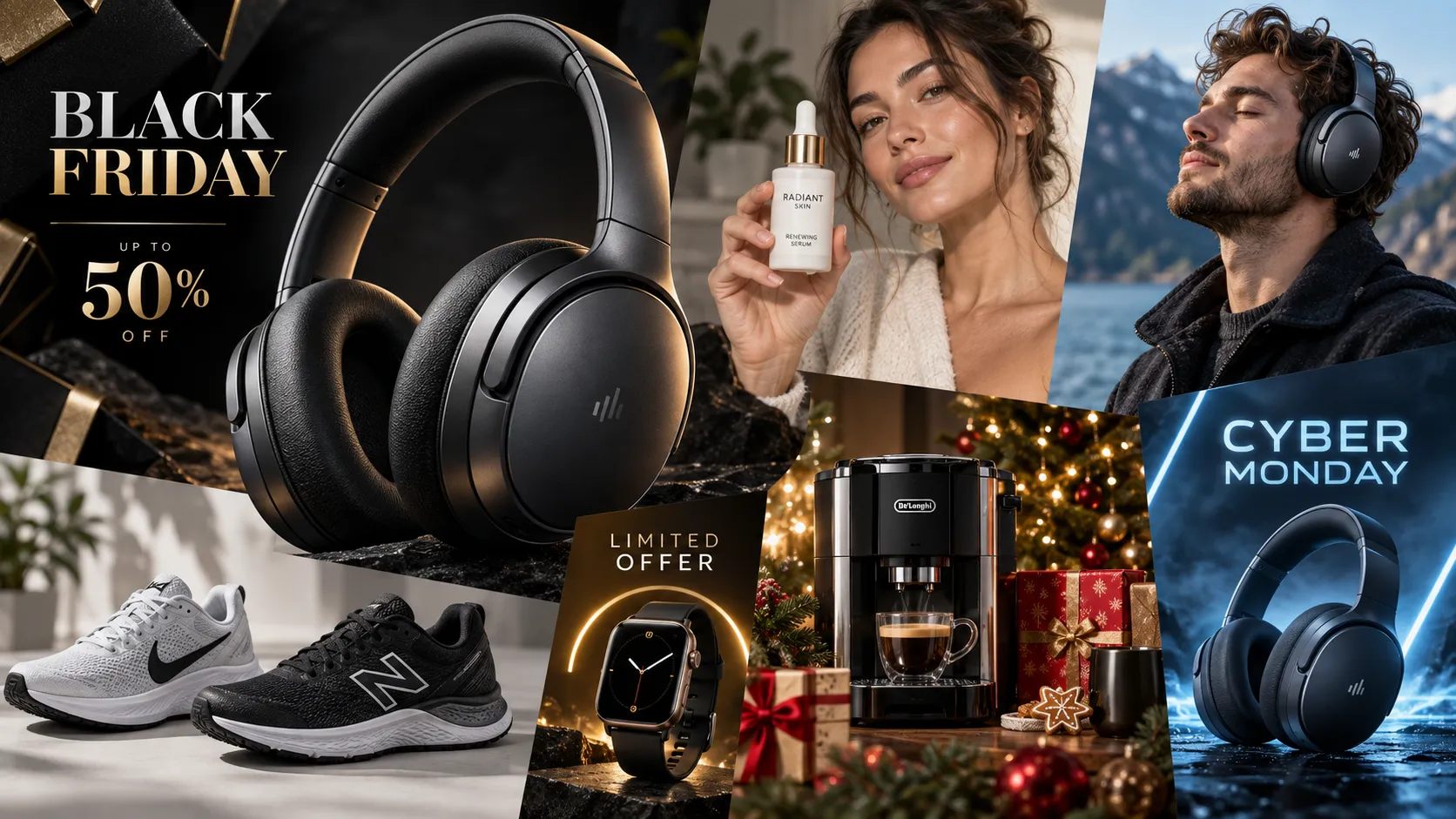
Conclusion: Mastering Q4 Influencer Content Strategy
The most scalable Q4 influencer content strategy is not creating more content from scratch—it is creating more formats from fewer high-quality source assets.
By establishing a "Create Once, Repurpose Everywhere" workflow, creators and affiliates can turn a single high-quality product photo into a comprehensive, multi-platform campaign. Whether you are generating holiday backgrounds, designing Pinterest pins, animating short-form video loops, or delivering UGC ad variations to brand partners, AI serves as an efficiency force multiplier.
Focus on preserving authentic product experiences, maintaining transparent audience disclosures, and scaling your visual assets to meet the high demand of the peak Q4 shopping season.
Frequently Asked Questions
What are the best Q4 influencer content ideas?
High-value Q4 content formats include curated seasonal gift guides, Black Friday deal comparison carousels, unboxing videos, outfit transformation lookbooks, and short-form video product breakdowns.
How can influencers create more holiday content with AI?
Influencers can use AI to repurpose core product photography into multiple channel formats. By applying AI background generators and image-to-video tools, creators can generate festive lifestyle backgrounds, social cards, and short video clips without needing multiple physical photoshoots.
How can Amazon influencers scale Black Friday content?
Amazon influencers scale Black Friday output by creating a "7-Asset System" from single supplier images—generating storefront banners, Pinterest gift pins, story deal cards, and animated product clips to cover multiple channels during Cyber Week.
Can I create multiple influencer content formats from one product photo?
Yes. One clean product image can serve as the starting asset for lifestyle scenes, seasonal visuals, creator-product graphics, social media formats, and short-form video. The key is to adapt the visual to each channel rather than simply reposting the same image everywhere.
Can I modify Amazon product images with AI?
It depends on the source of the image and the applicable Amazon program rules. Creators should distinguish between their own original product photography and Amazon-provided Program Content. Amazon's current Associates policies restrict altering certain Program Content and Amazon Marks, so creators should check the applicable terms before modifying or redistributing Amazon-supplied assets.
Can influencers use AI-generated images for sponsored content?
Yes. AI-generated or AI-assisted visuals can be used in sponsored content when they accurately represent the product and comply with applicable advertising, disclosure, platform, and brand requirements. Creators must ensure product packaging remains accurate and avoid fabricating fake product efficacy or physical results.
How can creators make UGC ad variations from existing product photos?
Creators can import product images and headshots into specialized ad creative platforms to generate multi-format video and image layouts featuring different text hooks and call-to-action overlays.
Should influencers disclose AI-generated or AI-assisted content?
There is no single disclosure rule that applies to every AI-assisted influencer post. Creators should follow applicable platform requirements and consider disclosure when AI materially changes how viewers would understand what actually happened—particularly in product demonstrations, reviews, and experience-based content—to maintain audience trust.
One product photo. Multiple channel-ready assets. No extra photoshoots.
Generate seasonal backgrounds, creator endorsements, Pinterest pins, short-form video loops, and UGC ad creatives from a single source asset.
Start Your Free TrialRelated Articles
Can Gemini Remove Image Backgrounds? We Benchmark Tested 6 Complex Scenarios
Can ChatGPT Really Do AI Virtual Try-On? We Tested It vs. Vidoly (With Real Examples)
How AI Replaces a Traditional Fashion Photoshoot: A Step-by-Step E-Commerce Case Study