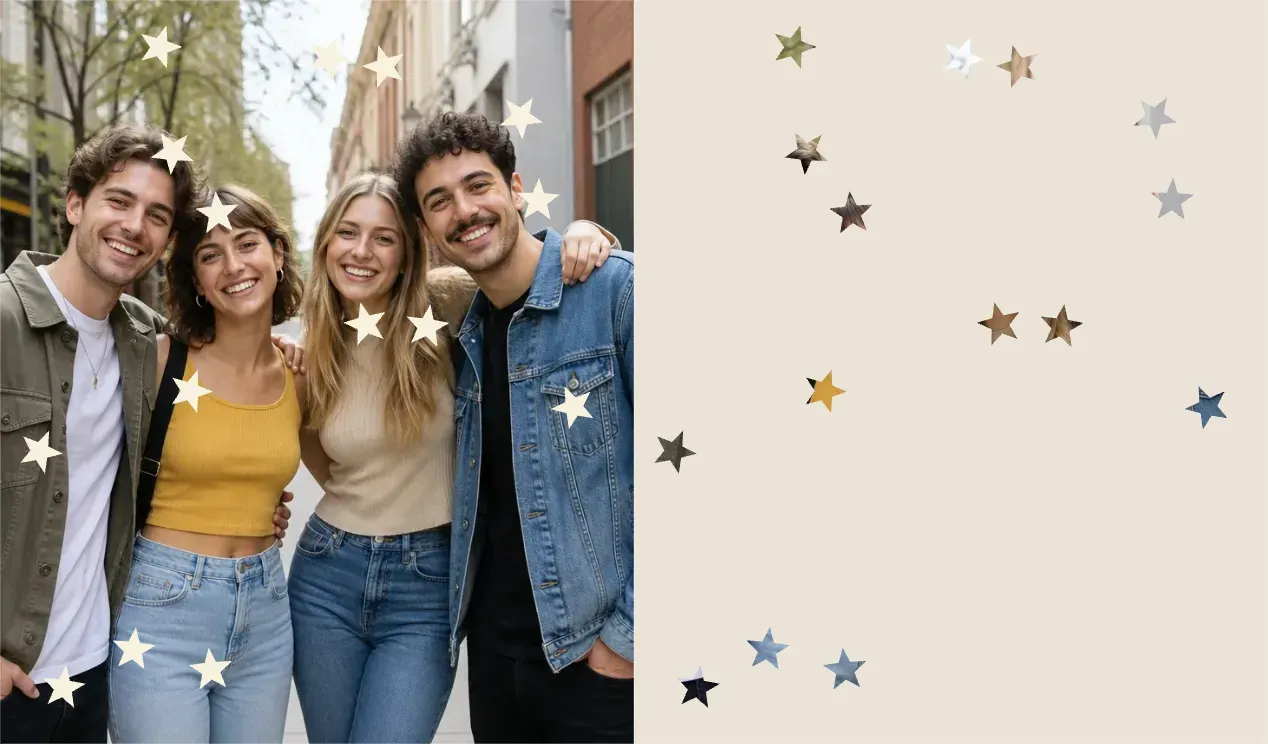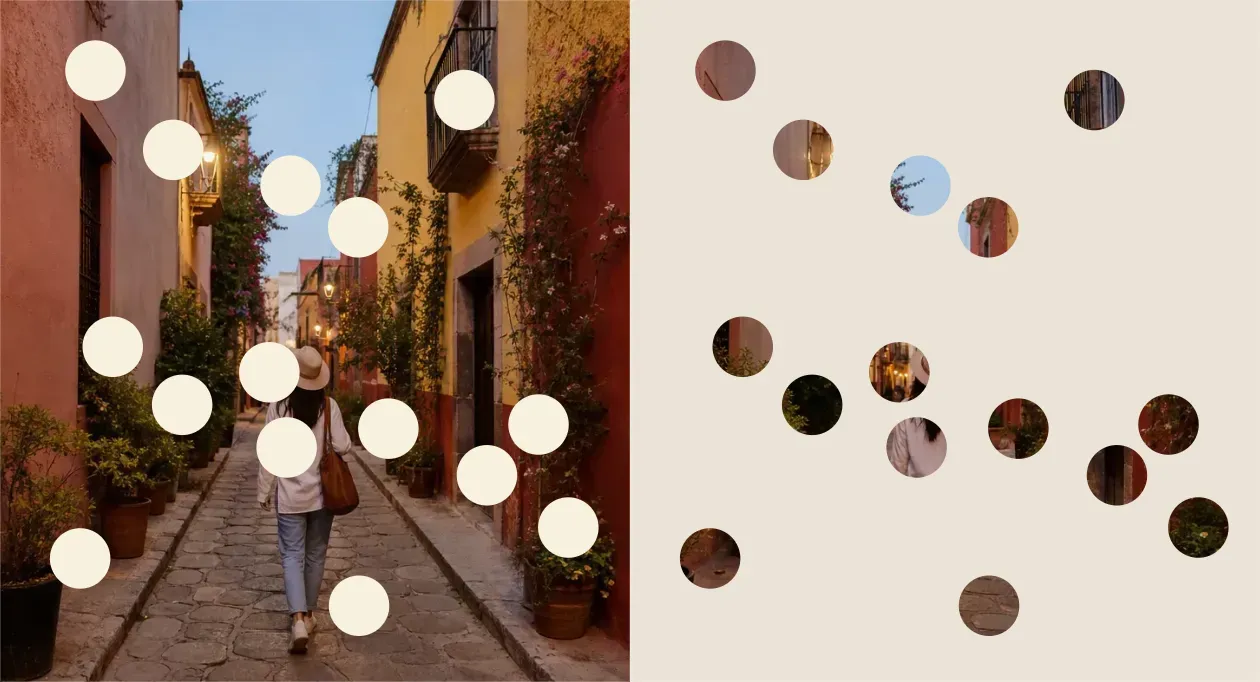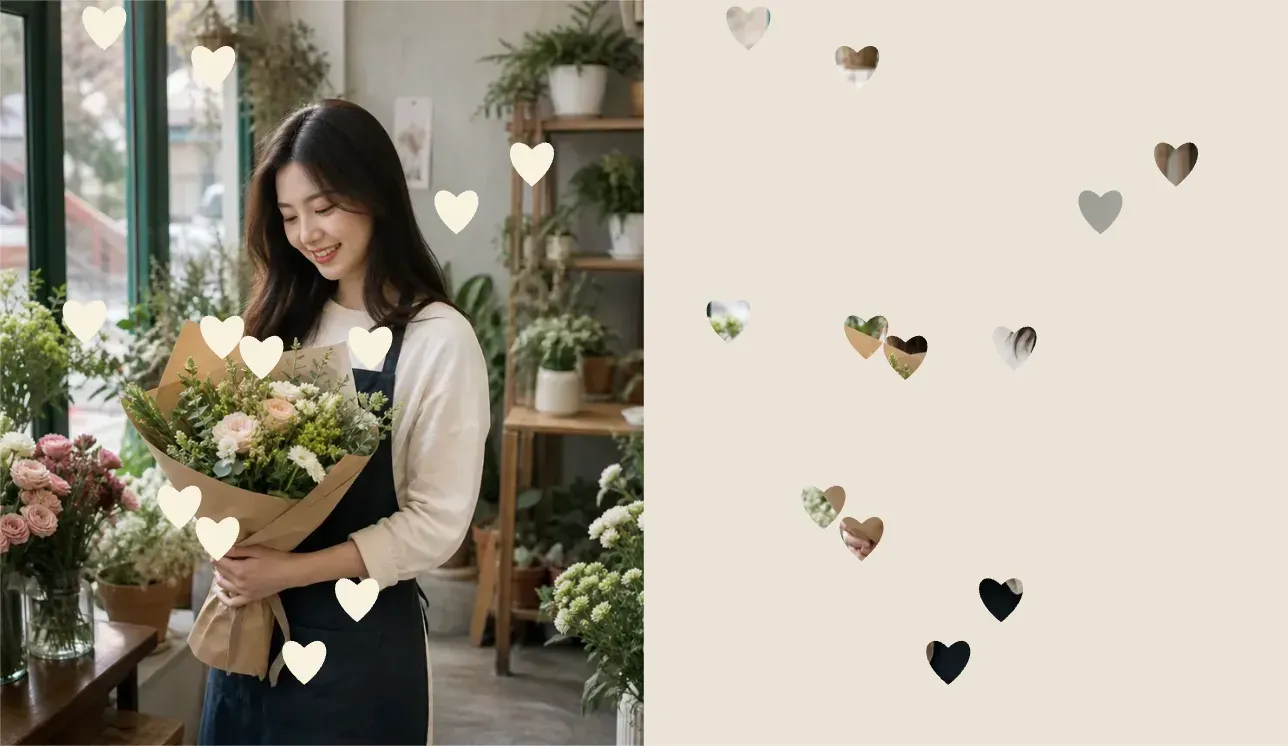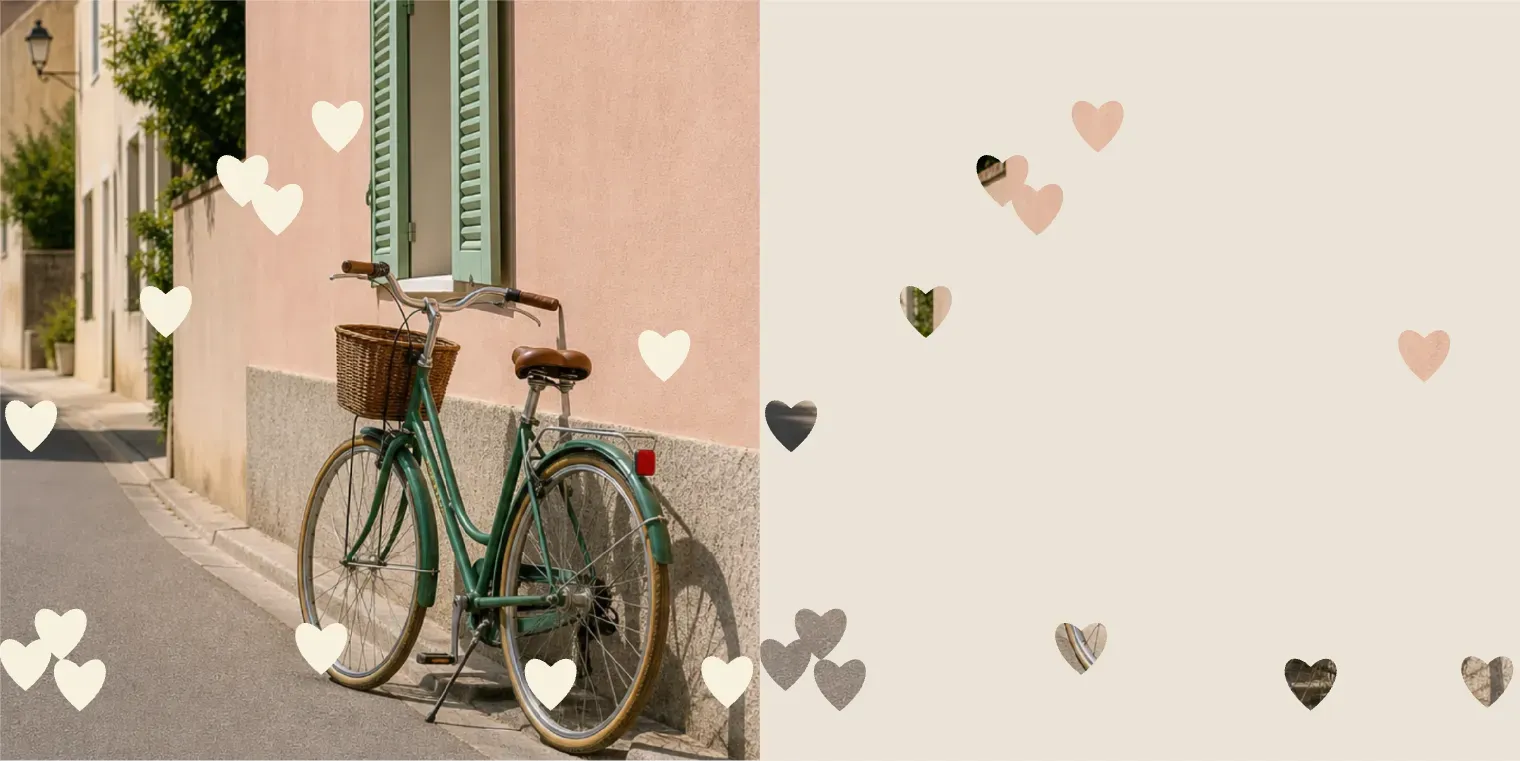
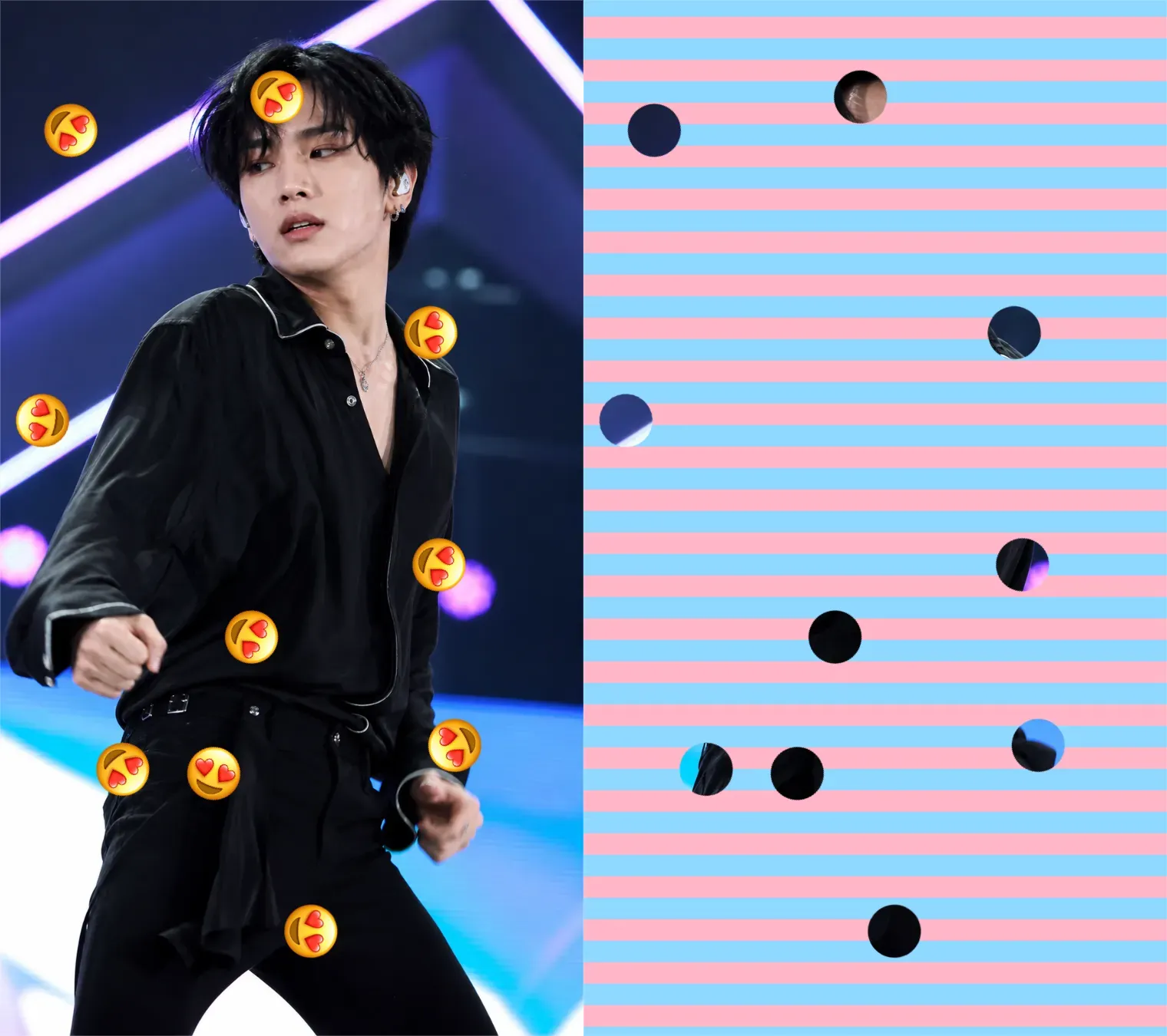
Heart Doooot Image

Heart Doooot Image

TECHNICAL SPECS

SECTION

Doooot Image Generator

MODULE

image_to_image

SKILL ID

doooot_image_generator

Upload Image
photo_camera

Upload Image

TEMPLATE PROMPT
Commercial usage license included
MORE IN Doooot Image Generator
#doooot_image_generator

Doooot Image Generator: Add Custom Dots to Your Photos with Simple Prompt Templates

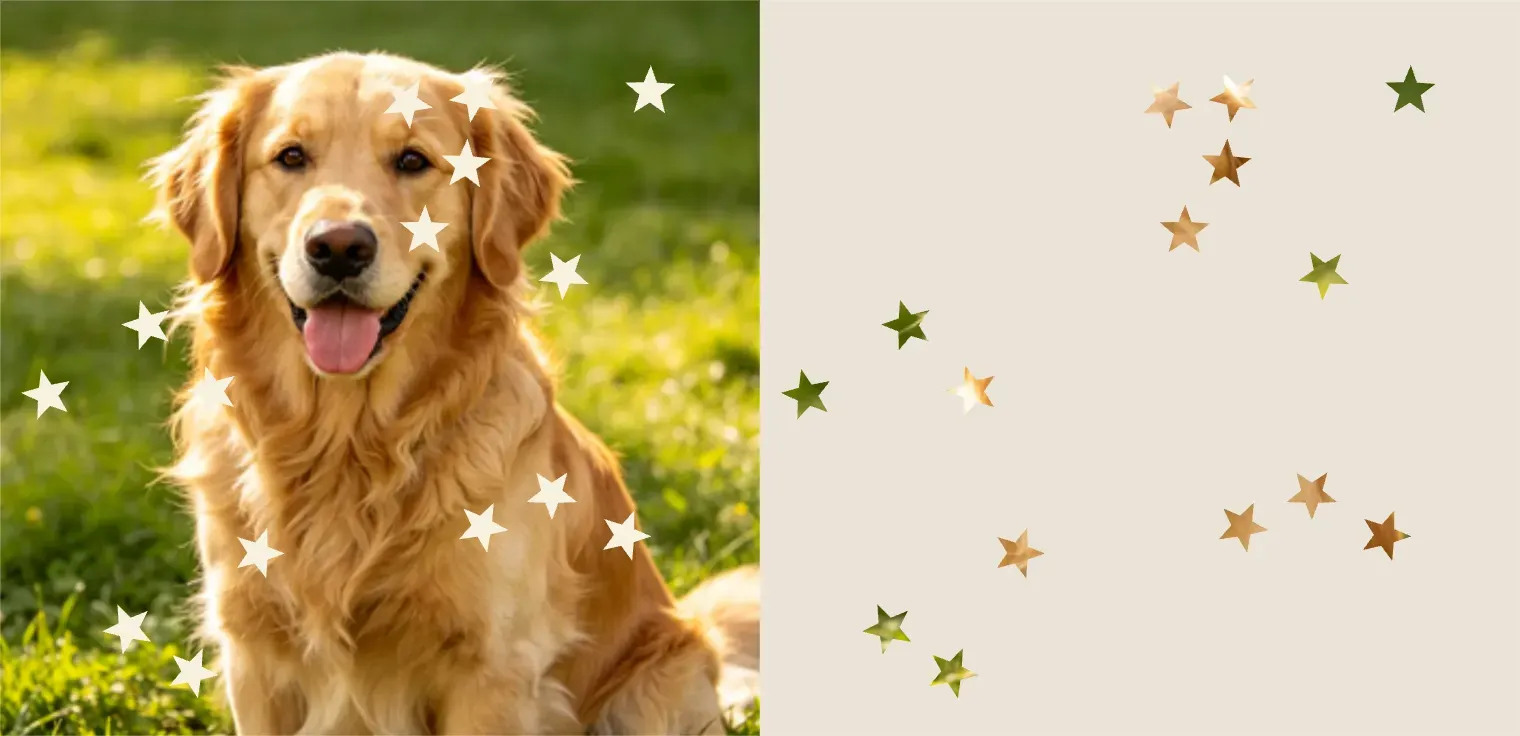
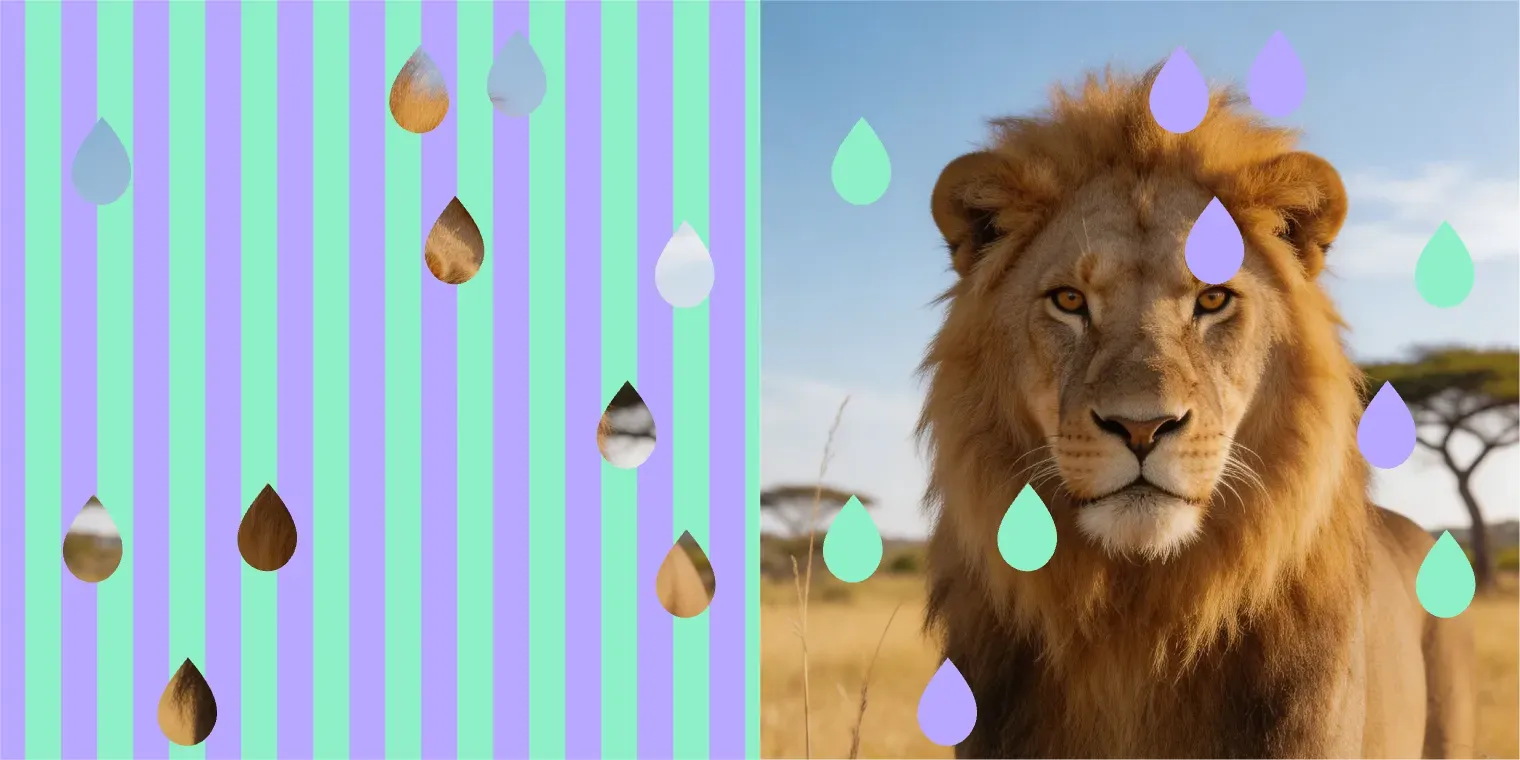
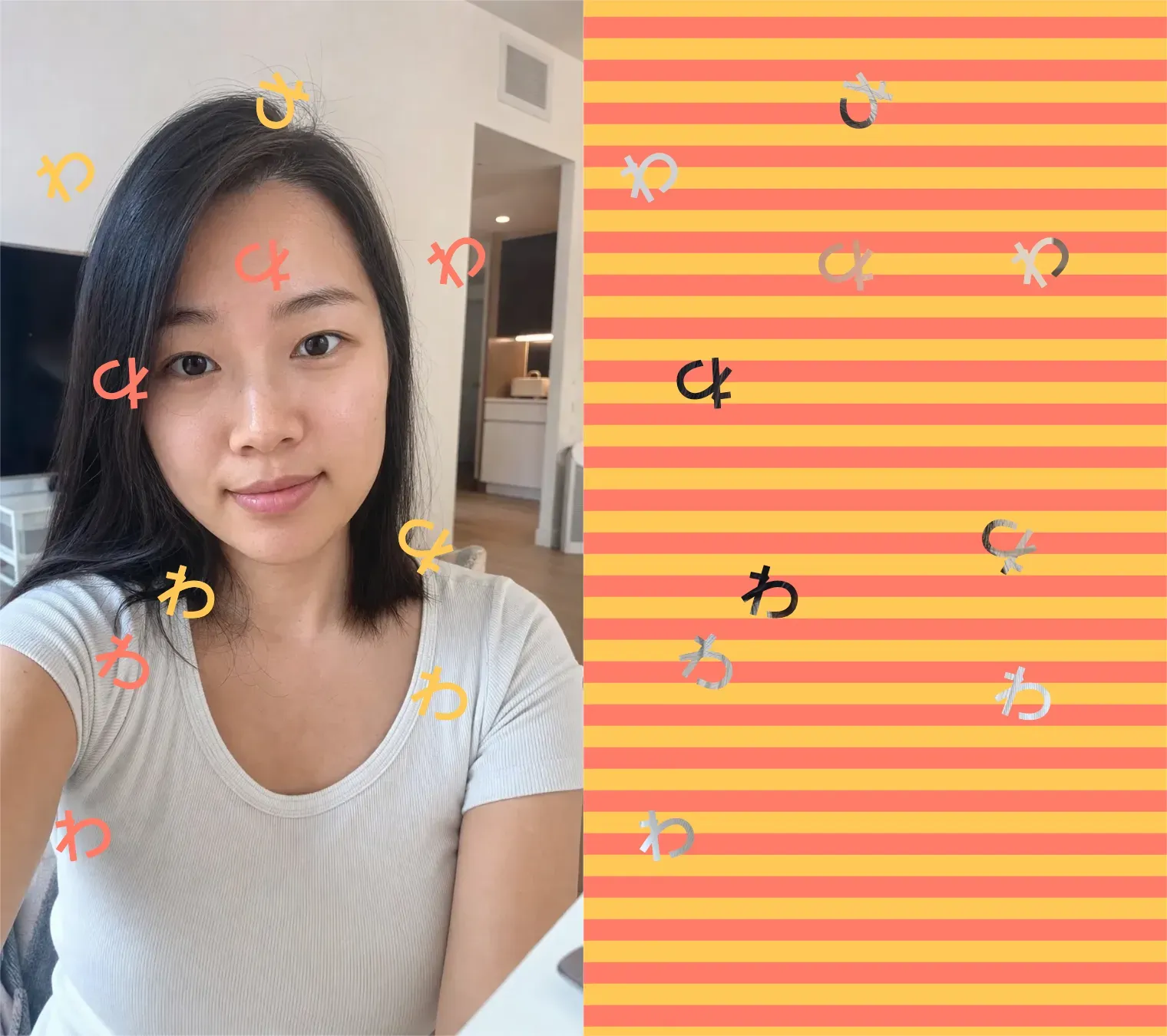
Vidoly’s Doooot Image Generator lets you upload a photo and add decorative dot patterns by editing only a few prompt variables. Instead of writing a full prompt from scratch, you can use a ready-made template and quickly change the number, color, and shape of the dots. Template example: Generate the doooot image for me. {dots_number}: 15 {dots_color}: milk white {dots_shape}: round Change 15 to control how many dots appear, change milk white to choose the dot color, and change round to create different shapes such as stars, water drops, hearts, bubbles, or sparkles.

Upload Photo and Generate Doooot Image
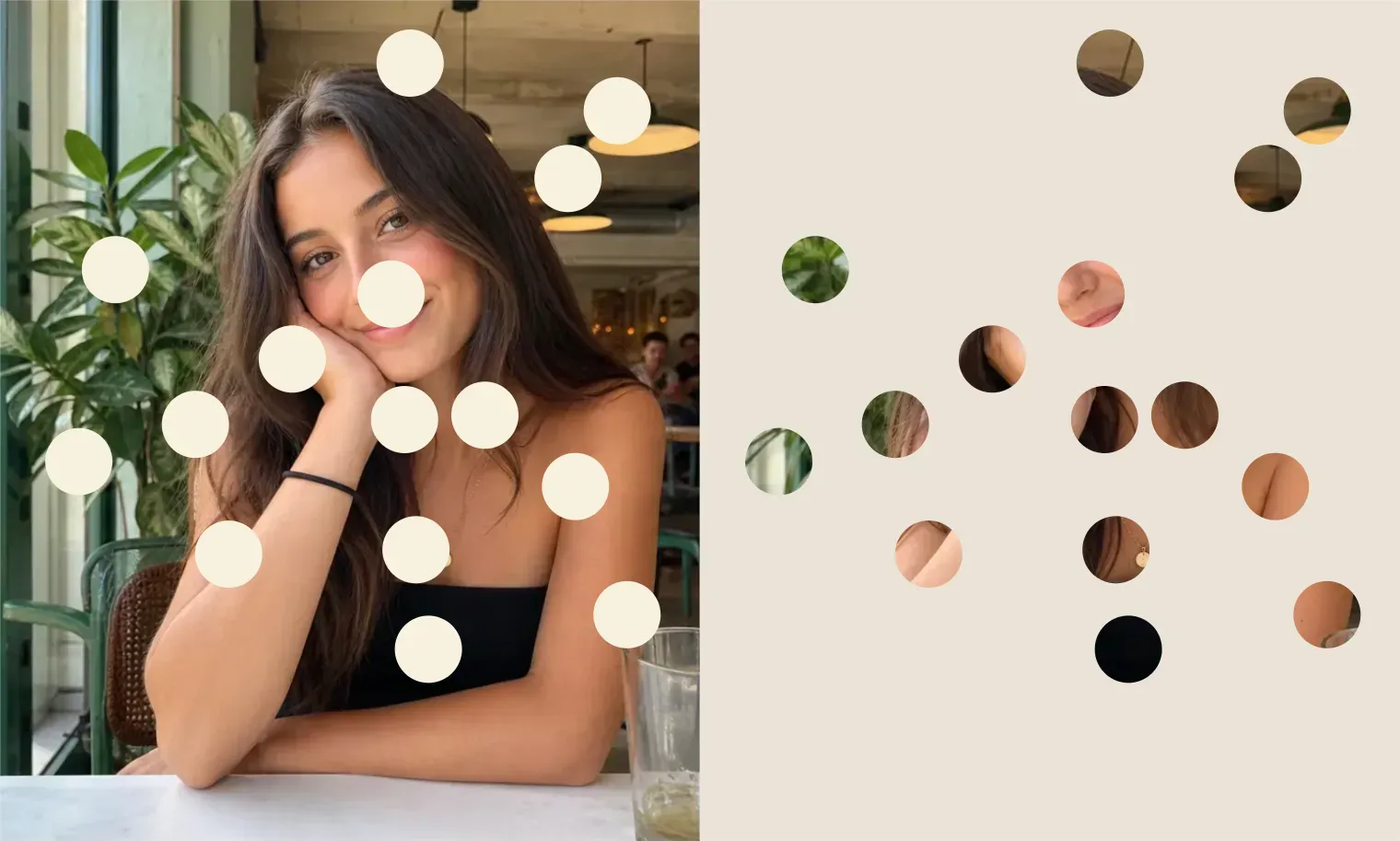
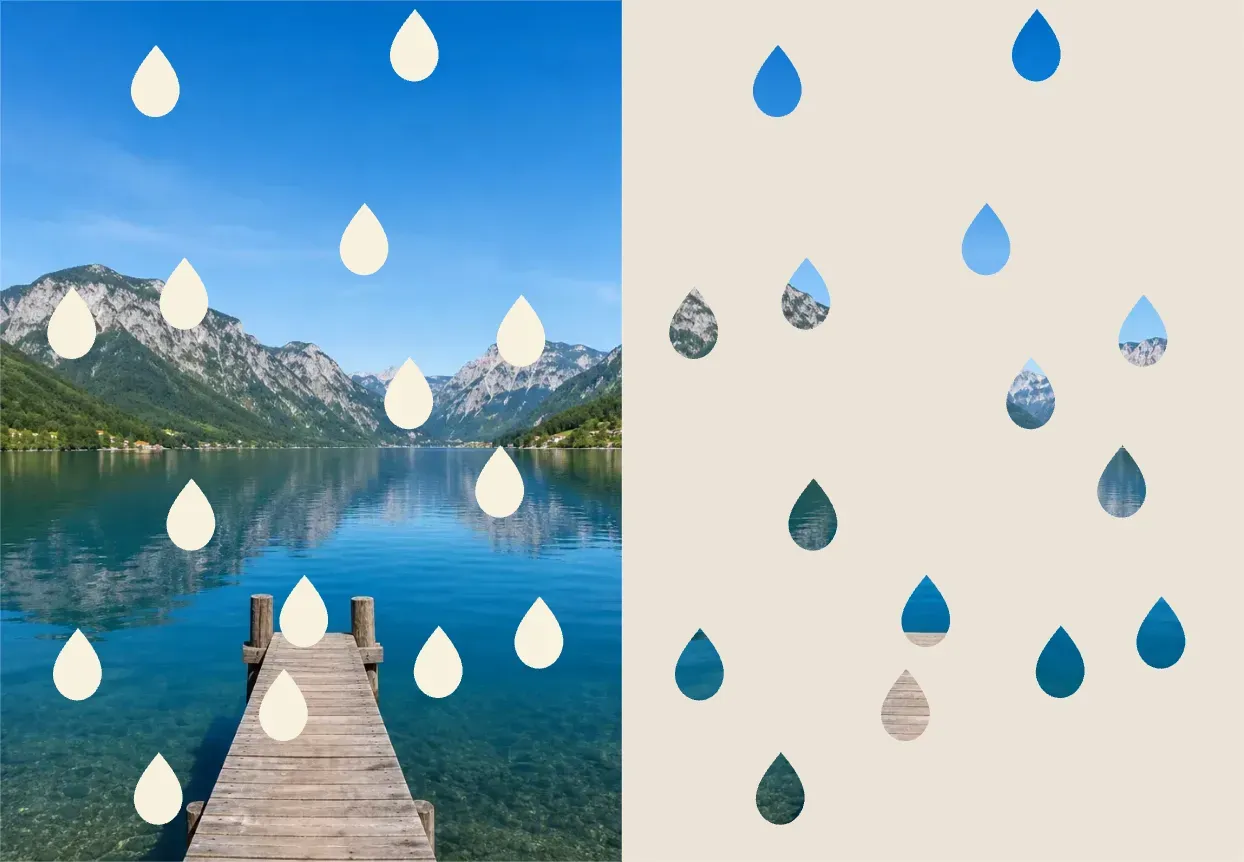
What Is a Doooot Image Generator?

What Is a Doooot Image Generator?

The Doooot Image Generator is an AI photo editing tool that applies dot-style decorations to an uploaded image using a structured prompt template. It is designed for users who want quick image edits without learning complex prompt writing. You only need to modify three parts of the template: {dots_number} {dots_color} {dots_shape} For example, you can create 15 milk white round dots, 30 pink heart dots, or 50 blue water drop patterns by changing the values in the template.

How the Doooot Prompt Template Works?

How the Doooot Prompt Template Works?

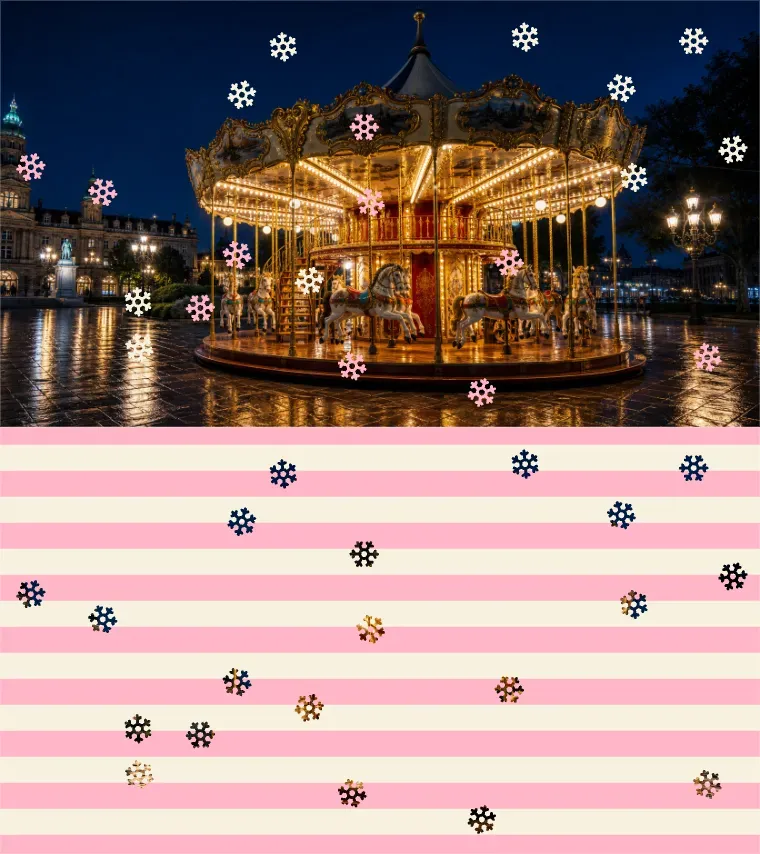
The template tells Vidoly what type of dot effect to generate: Generate the doooot image for me. {dots_number}: 15 {dots_color}: milk white {dots_shape}: round Each variable controls one visual detail: {dots_number} Controls how many dots or pattern elements appear in the image. {dots_color} Controls the color of the dots, such as milk white, pastel pink, sky blue, gold, black, red, or rainbow. {dots_shape} Controls the shape of the decorative pattern, such as round, star, water drop, heart, bubble, flower, snowflake, or sparkle. This makes the tool easier for casual users because they can generate different image styles by changing only a few words.

Prompt Template Examples

Prompt Template Examples

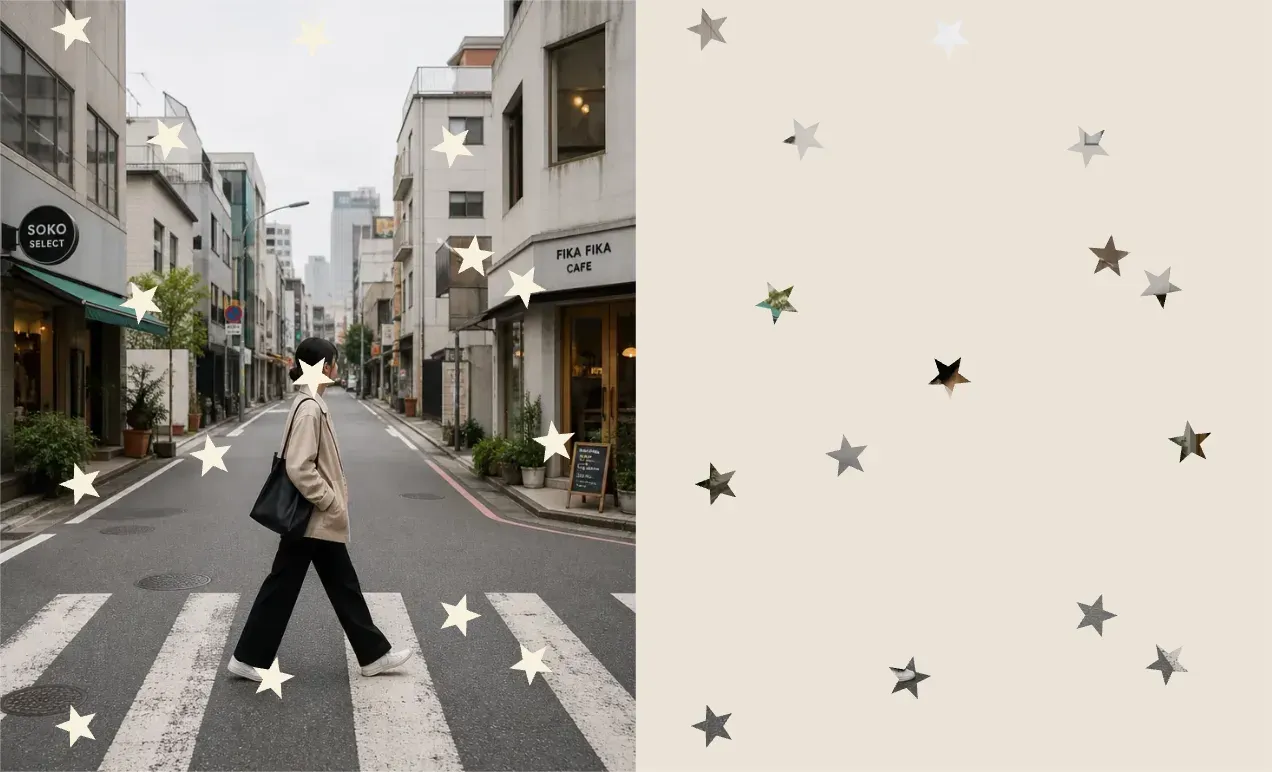
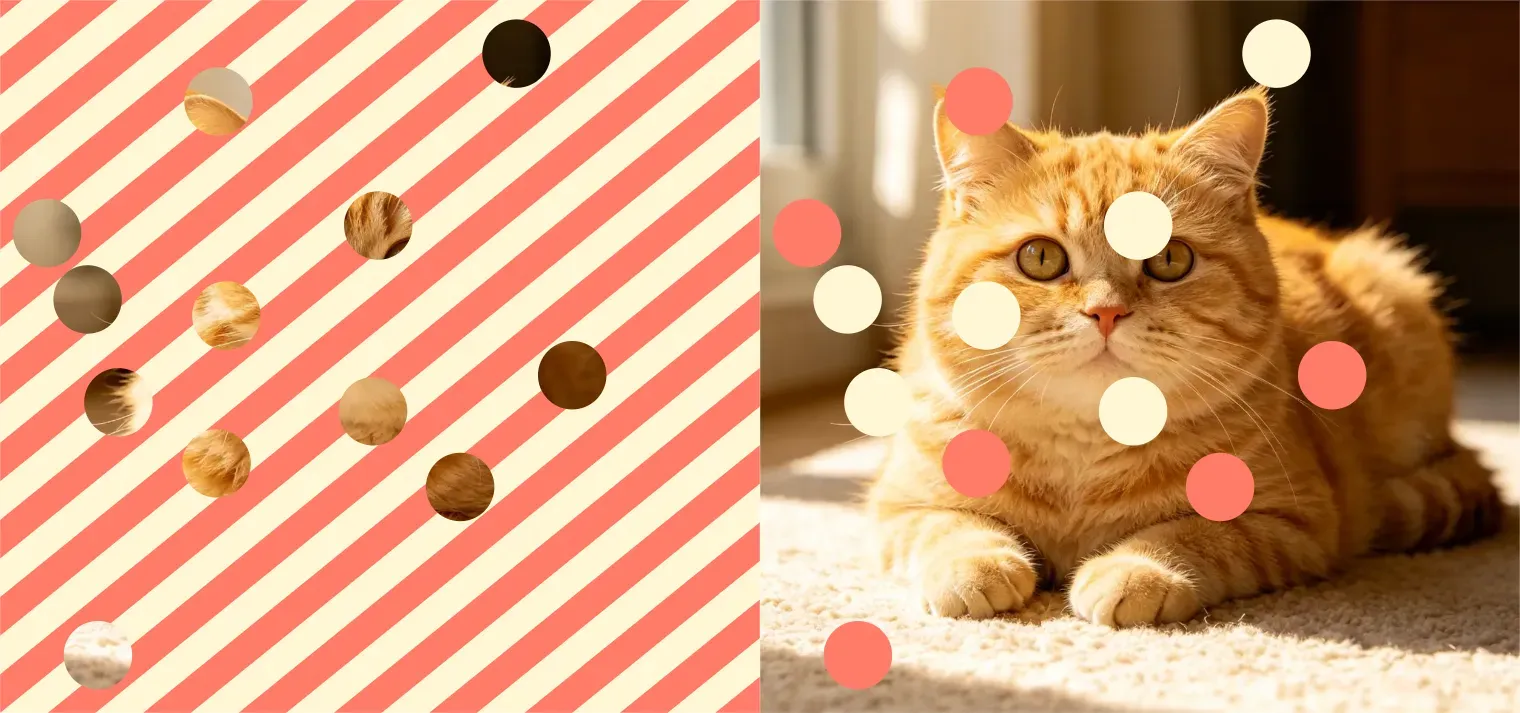
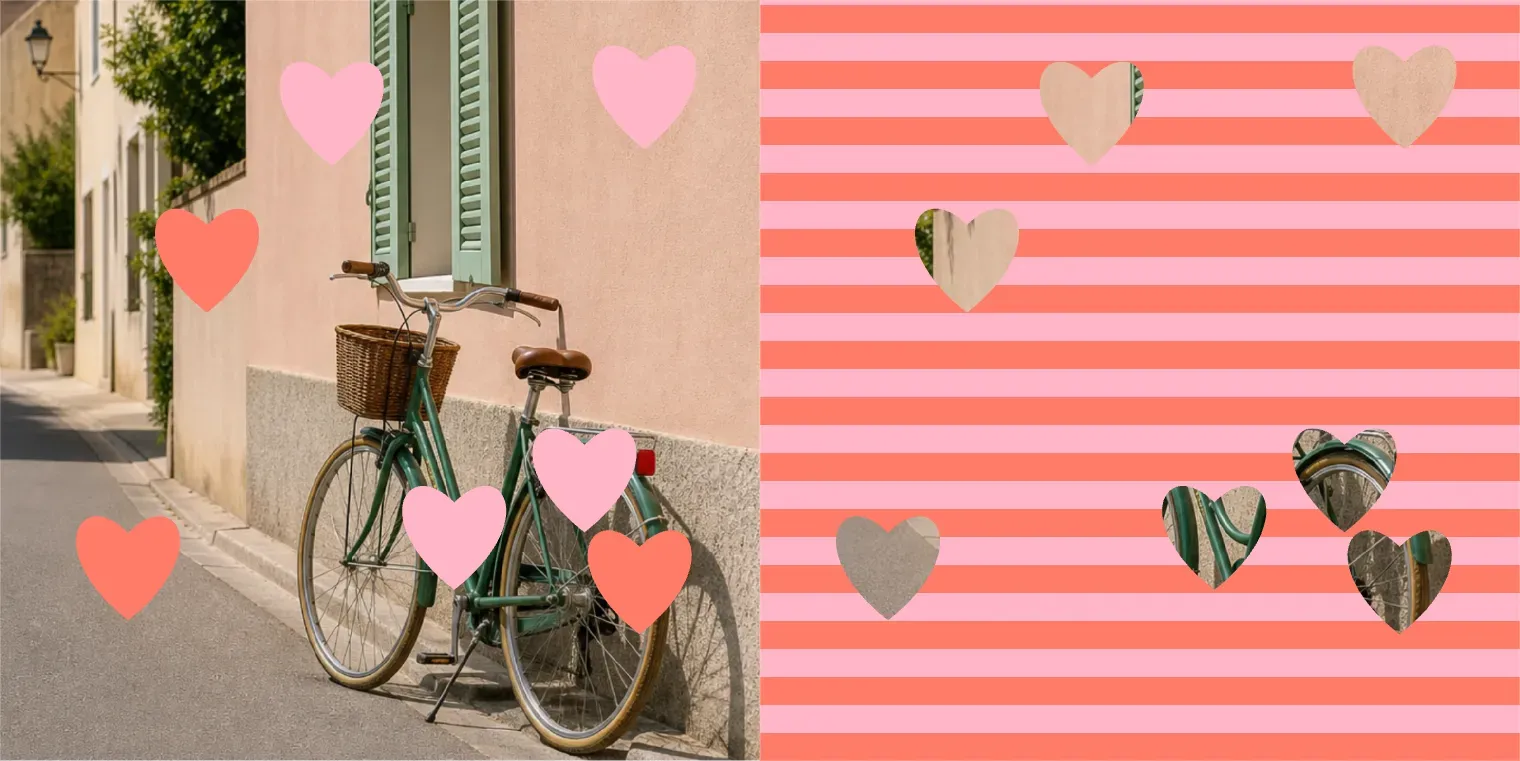
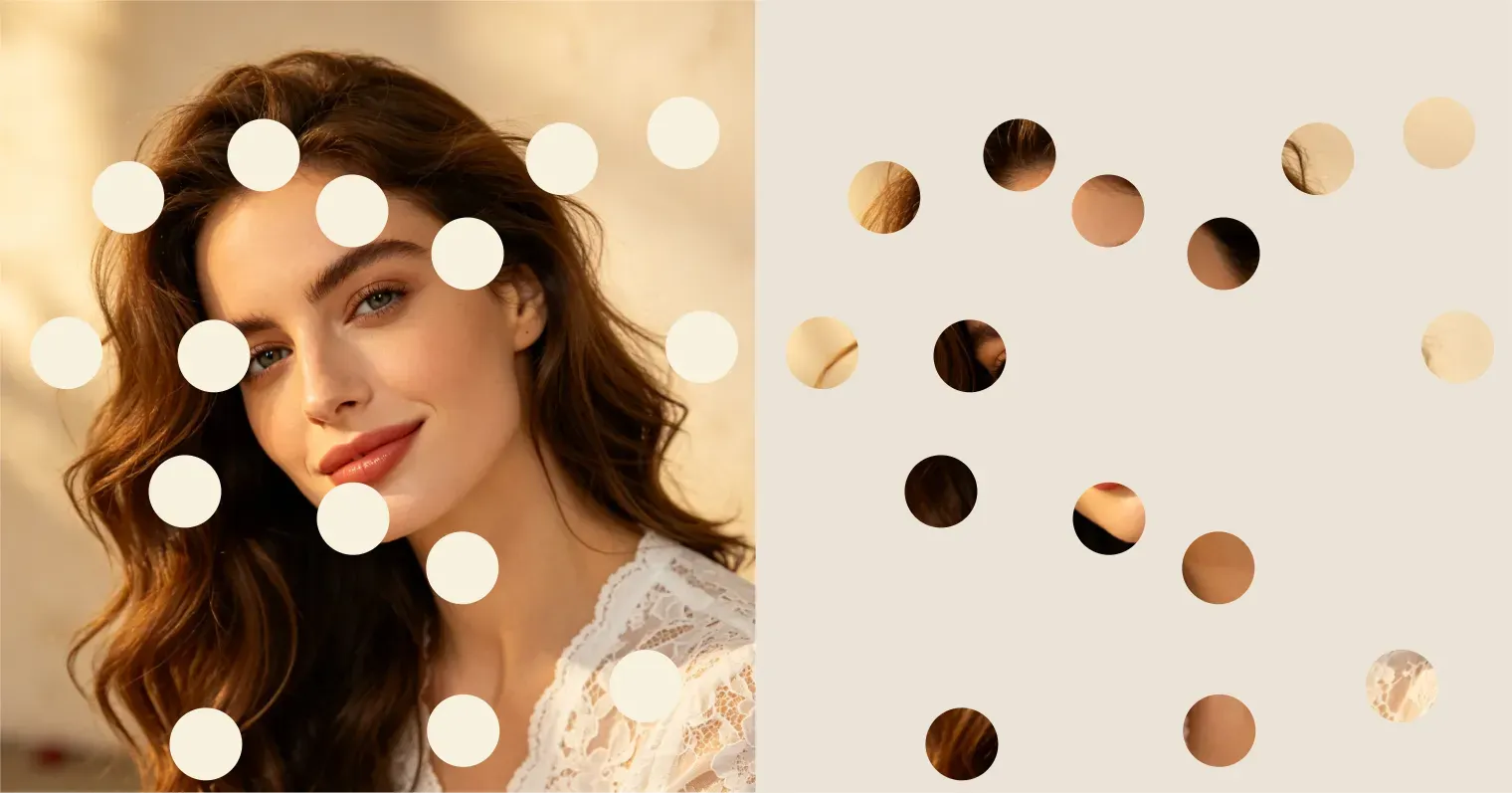
1. Round Dot Photo Effect Generate the doooot image for me. {dots_number}: 15 {dots_color}: milk white {dots_shape}: round This creates a clean, soft dot effect that works well for portraits, selfies, profile photos, and minimal social media images. 2. Star Dot Effect Generate the doooot image for me. {dots_number}: 25 {dots_color}: golden {dots_shape}: star Use this for birthday edits, fan images, celebratory posts, cute profile pictures, or dreamy social media visuals. 3. Water Drop Effect Generate the doooot image for me. {dots_number}: 35 {dots_color}: transparent blue {dots_shape}: water drop This creates a fresh, glossy, rain-like style for product images, summer visuals, beauty photos, and cool-toned edits. 4. Heart Dot Effect Generate the doooot image for me. {dots_number}: 20 {dots_color}: soft pink {dots_shape}: heart This is useful for couple photos, Valentine’s Day images, romantic edits, greeting cards, and social posts. 5. Bubble Dot Effect Generate the doooot image for me. {dots_number}: 40 {dots_color}: pastel rainbow {dots_shape}: bubble Use this for playful portraits, pet photos, kids’ images, wallpapers, and colorful creator content.

What You Can Change in the Template

What You Can Change in the Template

The Doooot template is intentionally simple. Users can quickly adjust the result by replacing the values after each variable. {dots_number}: 15 Use smaller numbers like 5, 10, or 15 for a clean and subtle effect. Use larger numbers like 30, 50, or 80 for a denser pattern. {dots_color}: milk white Use soft colors for portraits, bright colors for playful edits, dark colors for contrast, and metallic colors like gold or silver for festive designs. {dots_shape}: round Use round for classic dots, star for a dreamy style, water drop for a glossy effect, heart for romantic edits, and sparkle for social media images.

Best Photos for Doooot Image Generation

Best Photos for Doooot Image Generation

The Doooot Image Generator works best with clear photos that have a visible subject and enough open space for the dot pattern. Portraits, selfies, pet photos, product shots, fashion photos, and simple lifestyle images are good choices. If the image is too crowded, very dark, blurry, or filled with small details, the dots may look less clean. For best results, use a photo where the main subject is easy to recognize.

Why Use a Template Instead of Writing a Full Prompt?

Why Use a Template Instead of Writing a Full Prompt?

A full AI image prompt can be hard for new users because it requires detailed wording, style control, placement instructions, and visual descriptions. Vidoly’s Doooot template removes that complexity. Users only need to change: number, color, shape. This makes the workflow faster, easier to repeat, and more suitable for generating multiple image variations.

Doooot Image Generator Use Cases

Doooot Image Generator Use Cases

1. Social Media Profile Photos Add round dots, stars, hearts, or sparkles to selfies and portraits to create a more playful profile image. 2. Product Image Decoration Add subtle dots or water drops around a product while keeping the product visible. This is useful for beauty, fashion, drink, lifestyle, and gift product visuals. 3. Couple and Holiday Images Use heart dots, pink dots, red dots, gold stars, or snowflake shapes for Valentine’s Day, Christmas, New Year, birthdays, and anniversary images. 4. Wallpapers and Posters Generate dense dot patterns, bubble effects, star decorations, or colorful abstract patterns for wallpapers, posters, thumbnails, and creative backgrounds. 5. Creator Content Use different template values to quickly create image variations for TikTok covers, Instagram posts, YouTube thumbnails, and fan edits.

Common Limitations

Common Limitations

The number of dots may be approximate rather than mathematically exact. For example, {dots_number}: 15 tells the AI to aim for 15 dots, but the final result may vary slightly depending on the photo. The dot placement also depends on the image composition. If you want the subject’s face, product label, or important details to stay clear, use a cleaner input photo and avoid overly dense dot counts. For brand or commercial images, review the final output before publishing to make sure the dots do not cover logos, text, product labels, or faces.

How to Use Doooot Image Generator?

1

Upload your photo

2

Start with the Doooot prompt template

3

Change {dots_number} to choose how many dots you want

4

Change {dots_color} to choose the dot color

5

Change {dots_shape} to choose round dots, stars, water drops, hearts, bubbles, or other shapes.

6

Generate and download your edited image.

FAQs

What is Vidoly’s Doooot Image Generator?

Vidoly’s Doooot Image Generator is an AI photo editing tool that adds dot-style patterns to uploaded images using a simple prompt template.

What parts of the prompt can I change?

You can change {dots_number}, {dots_color}, and {dots_shape}. These control the number, color, and shape of the dots.

Do I need to write a full prompt?

No. The tool is designed around a prompt template, so you only need to replace the editable values.

Can I make round dots?

Yes. Set {dots_shape} to round to create a classic dot or polka dot effect.

Can I create star-shaped dots?

Yes. Set {dots_shape} to star and choose a color such as gold, white, pink, or blue.

Can I create water drop effects?

Yes. Use water drop as the shape and choose a color like transparent blue, light blue, or glossy white.

Can I control the exact number of dots?

You can set a target number, such as 15, 30, or 50. The final count may be approximate because the image is generated by AI.

What dot colors can I use?

You can use common color names such as milk white, black, pink, blue, gold, red, silver, pastel rainbow, or any descriptive color phrase.

What photos work best?

Clear photos with a visible subject and simple background usually work best. Portraits, selfies, product photos, pet photos, and fashion images are good choices.

Can I use this for social media images?

Yes. It is suitable for profile photos, Instagram posts, TikTok covers, YouTube thumbnails, wallpapers, and creator edits.

Is this different from a normal filter?

Yes. A normal filter usually applies one fixed effect. The Doooot Image Generator lets you customize the number, color, and shape of the dots through a prompt template.

Can I generate multiple versions?

Yes. Keep the same uploaded photo and change one variable at a time, such as the dot color or shape, to create different versions quickly.