Snow Doooot Image

Snow Doooot Image

Upload Image
photo_camera

Upload Image

Dot Controls
15/120
Commercial usage license included
More in Doooot Image Generator

Doooot Image Generator: Add Custom Dots to Your Photos with Simple Prompt Templates

Vidoly’s Doooot Image Generator lets you upload a photo and add decorative dot patterns by editing only a few prompt variables. Instead of writing a full prompt from scratch, you can use a ready-made template and quickly change the number, color, and shape of the dots.

Upload Photo and Generate Doooot Image
What Is a Doooot Image Generator?

What Is a Doooot Image Generator?

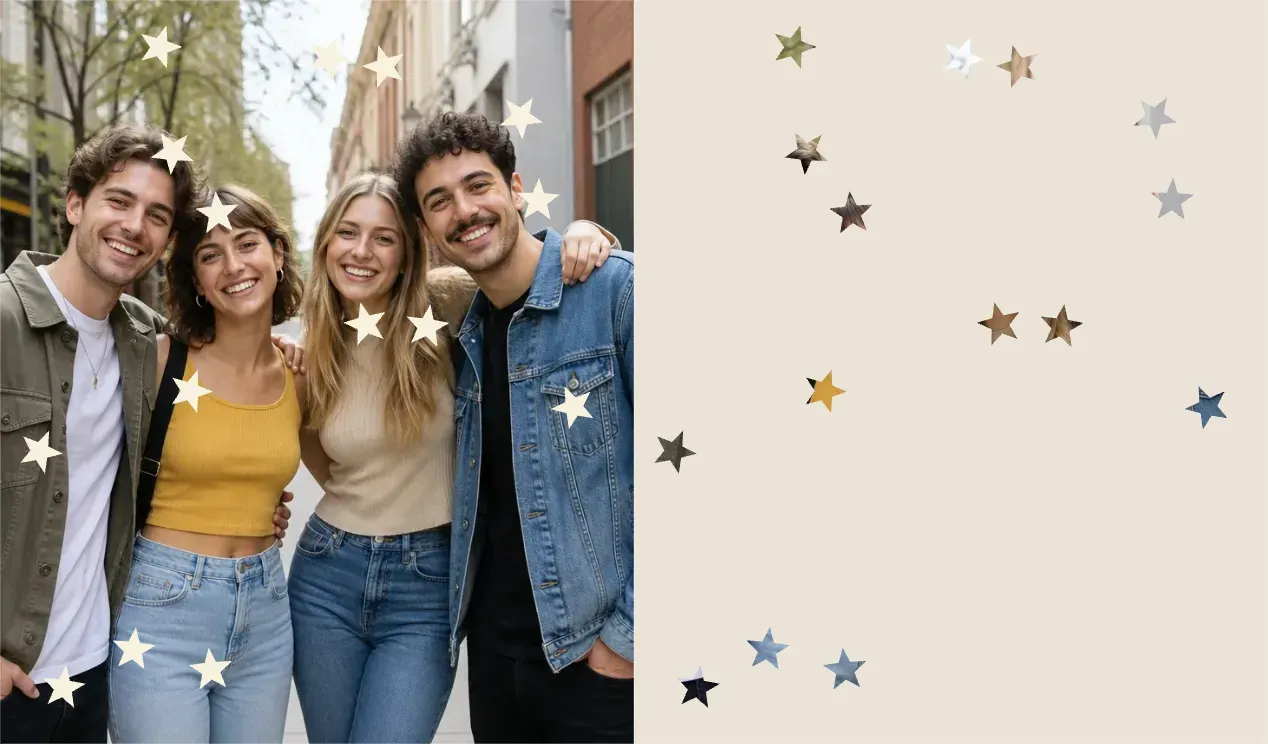
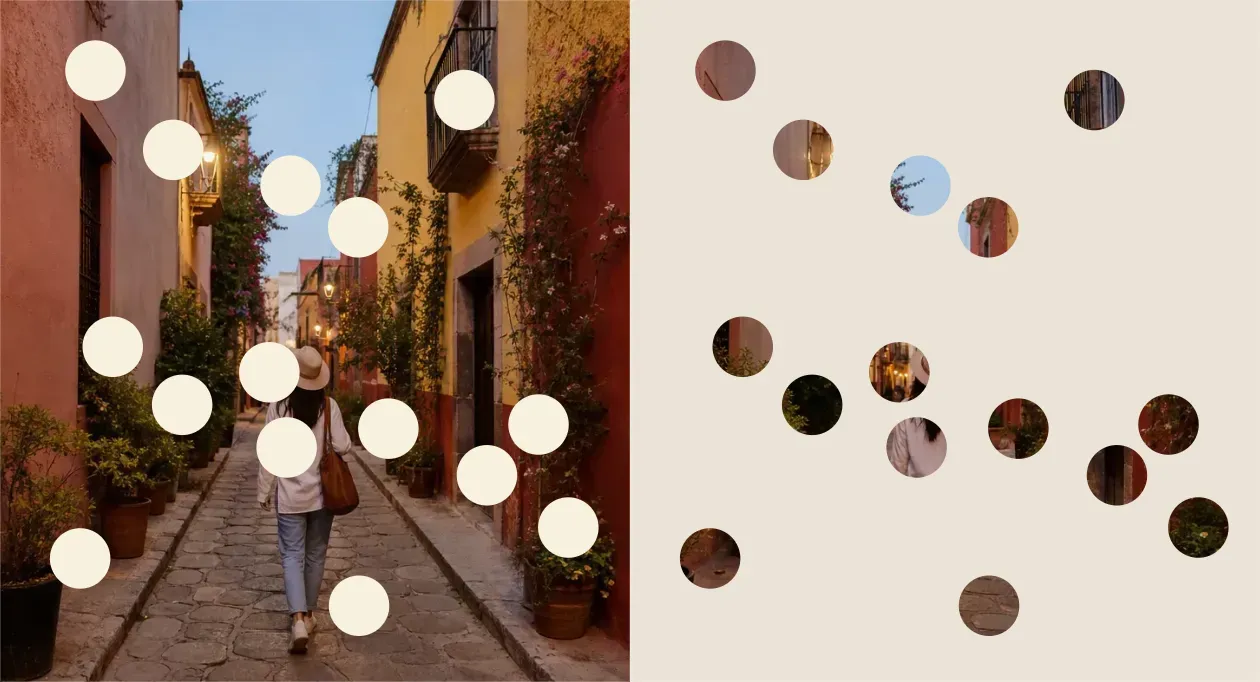
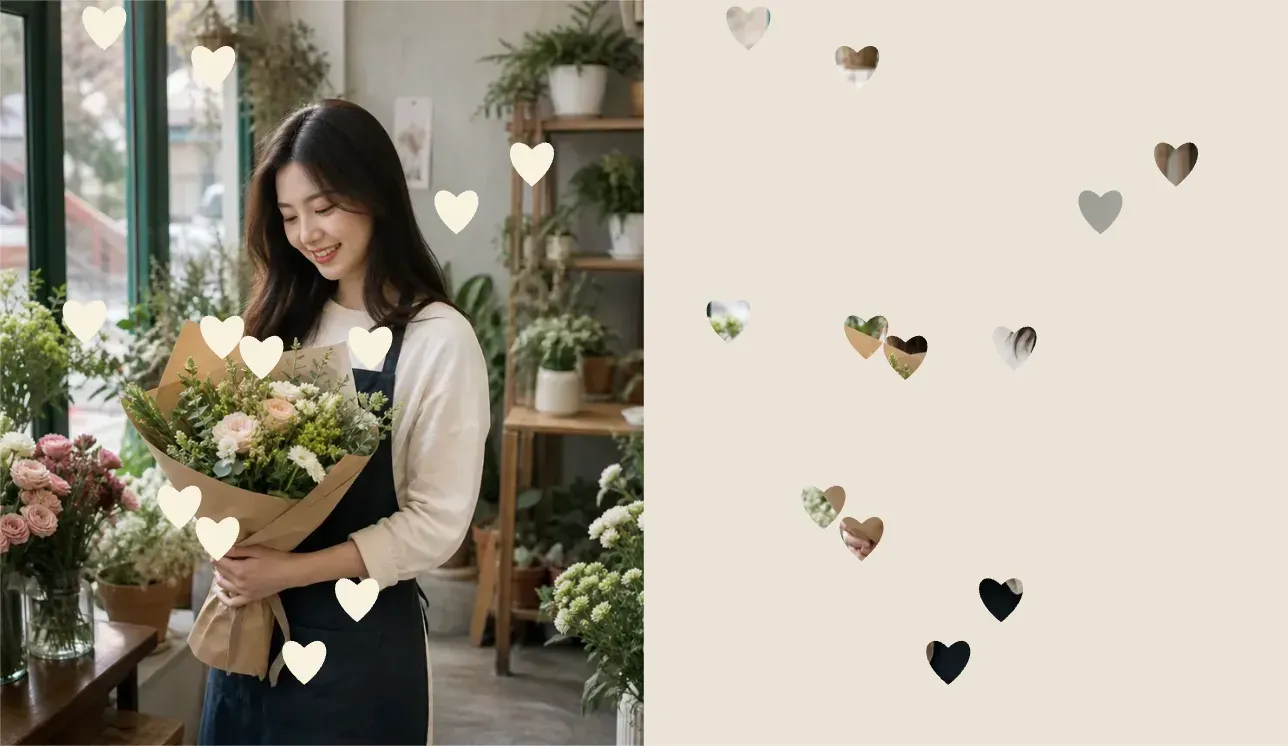
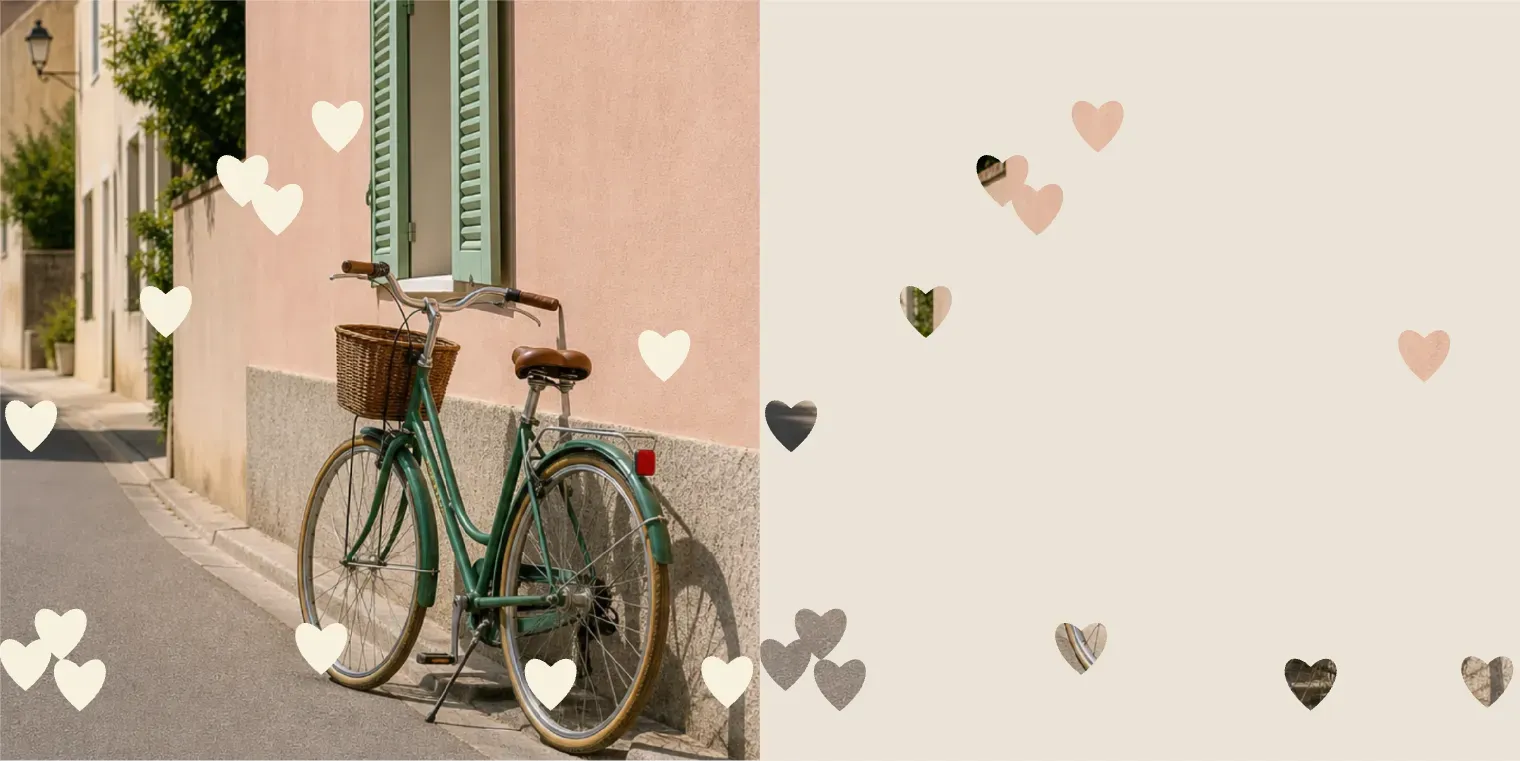
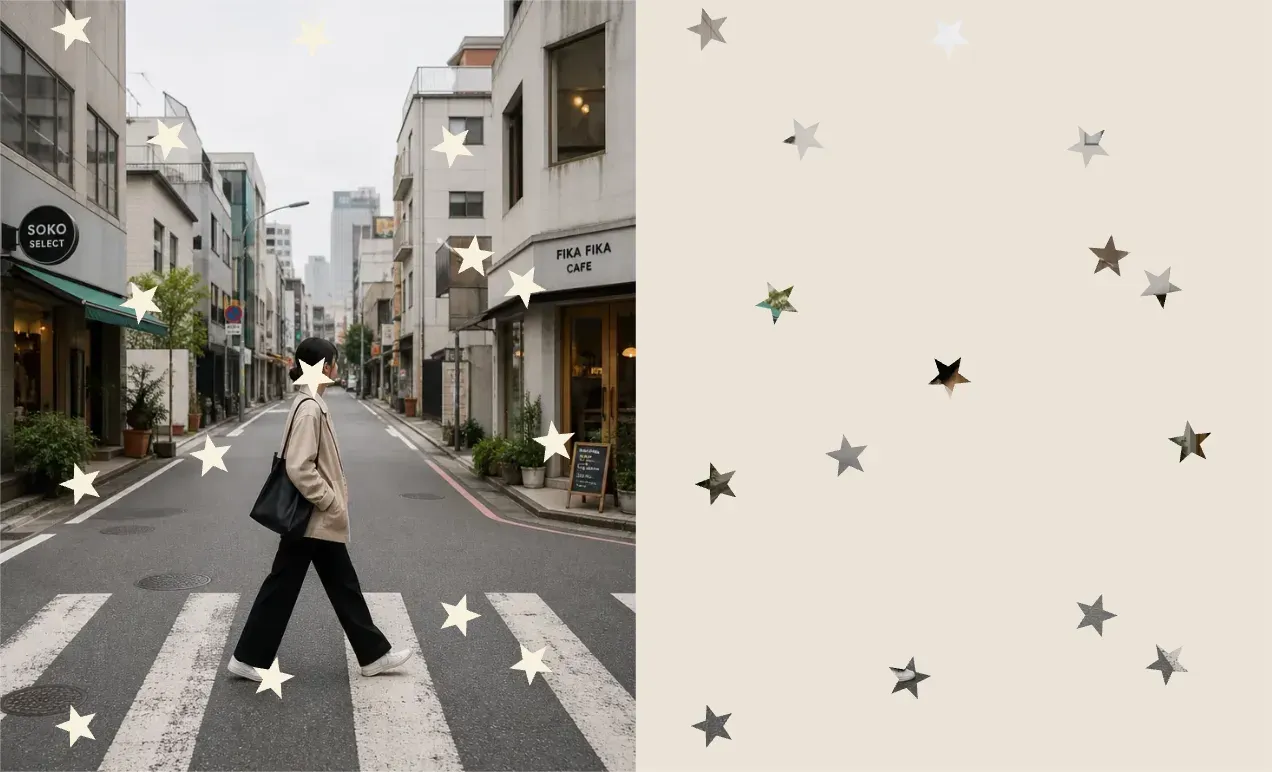
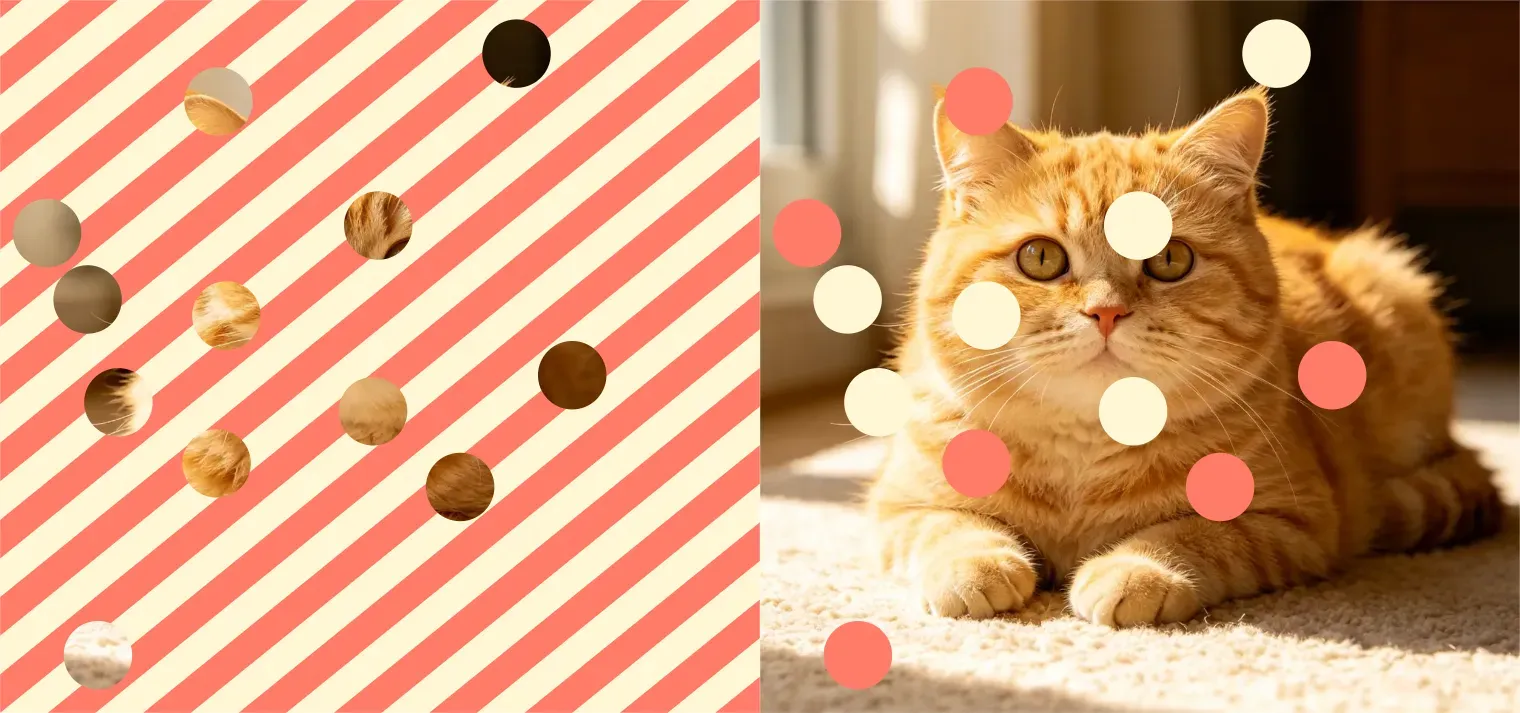
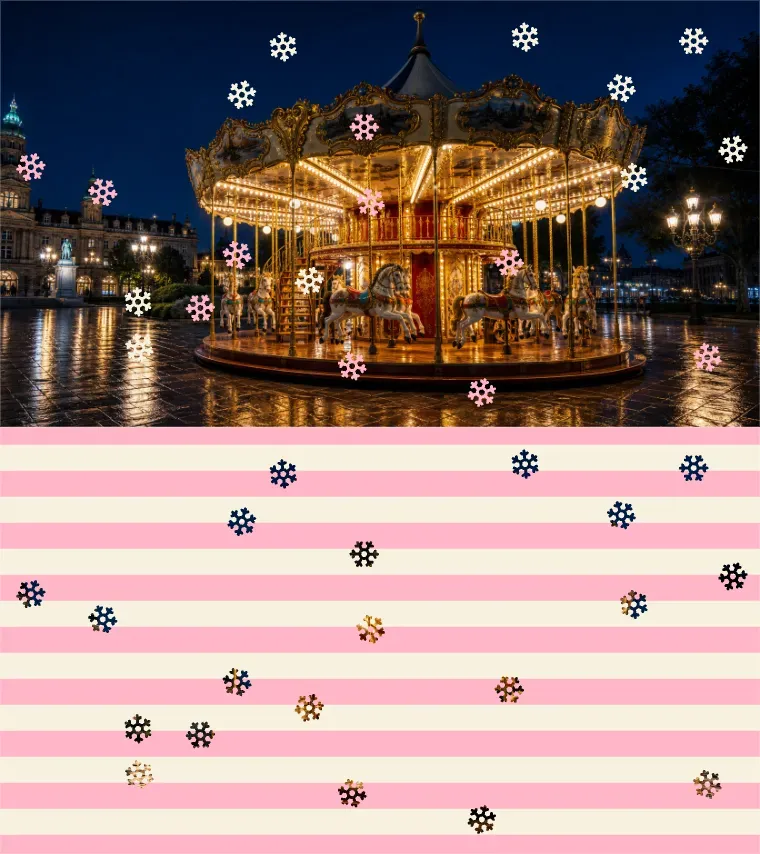
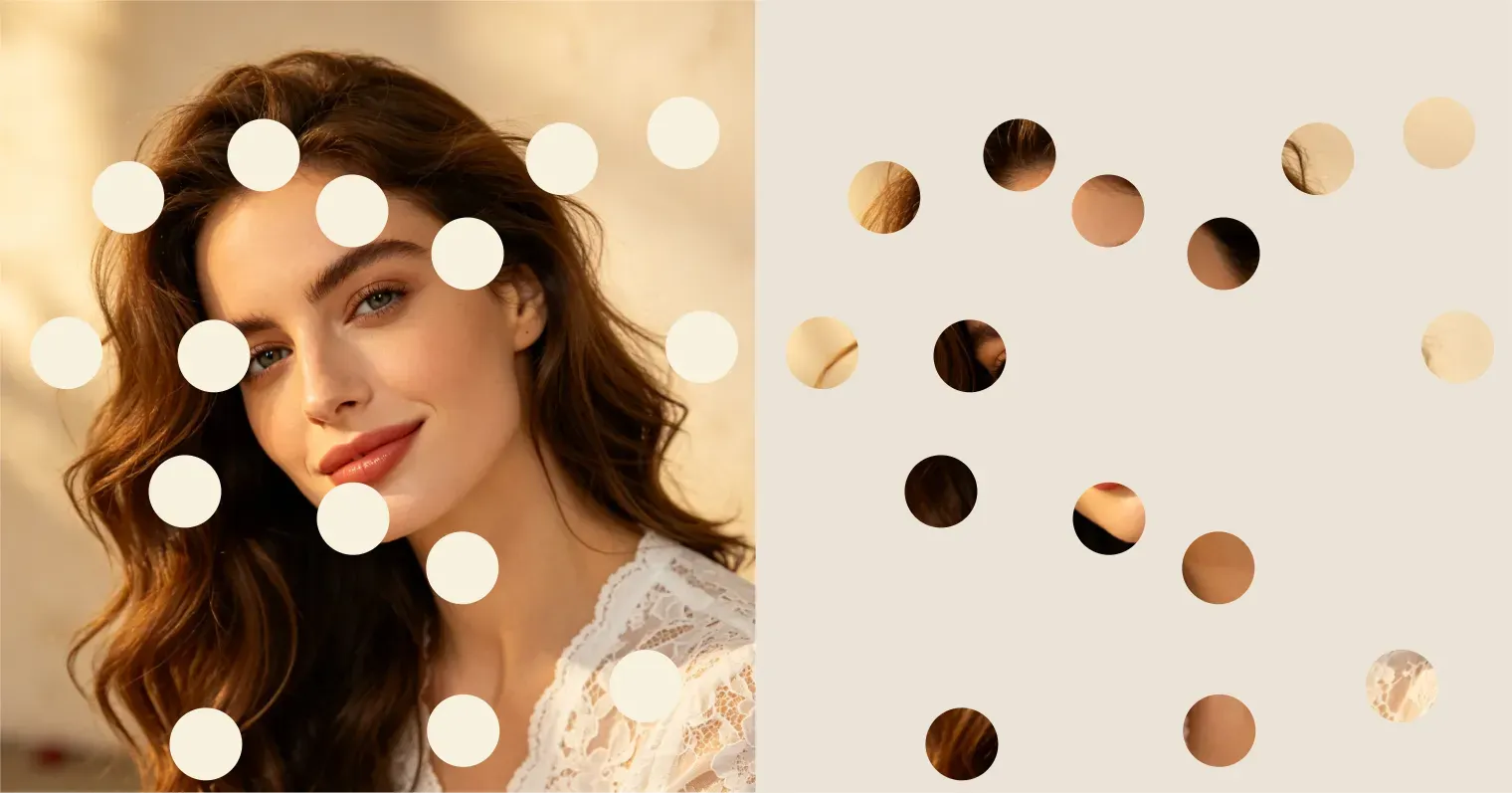
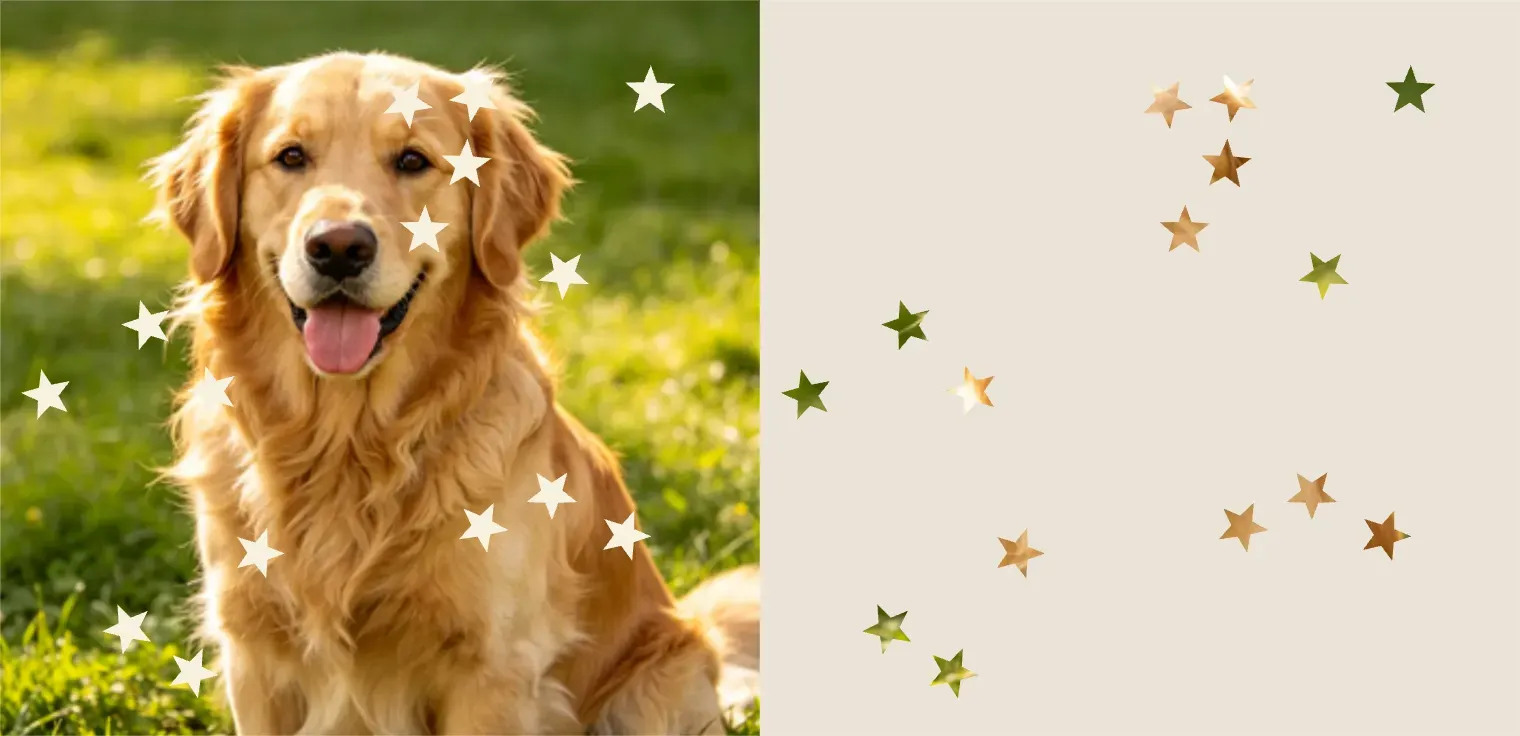
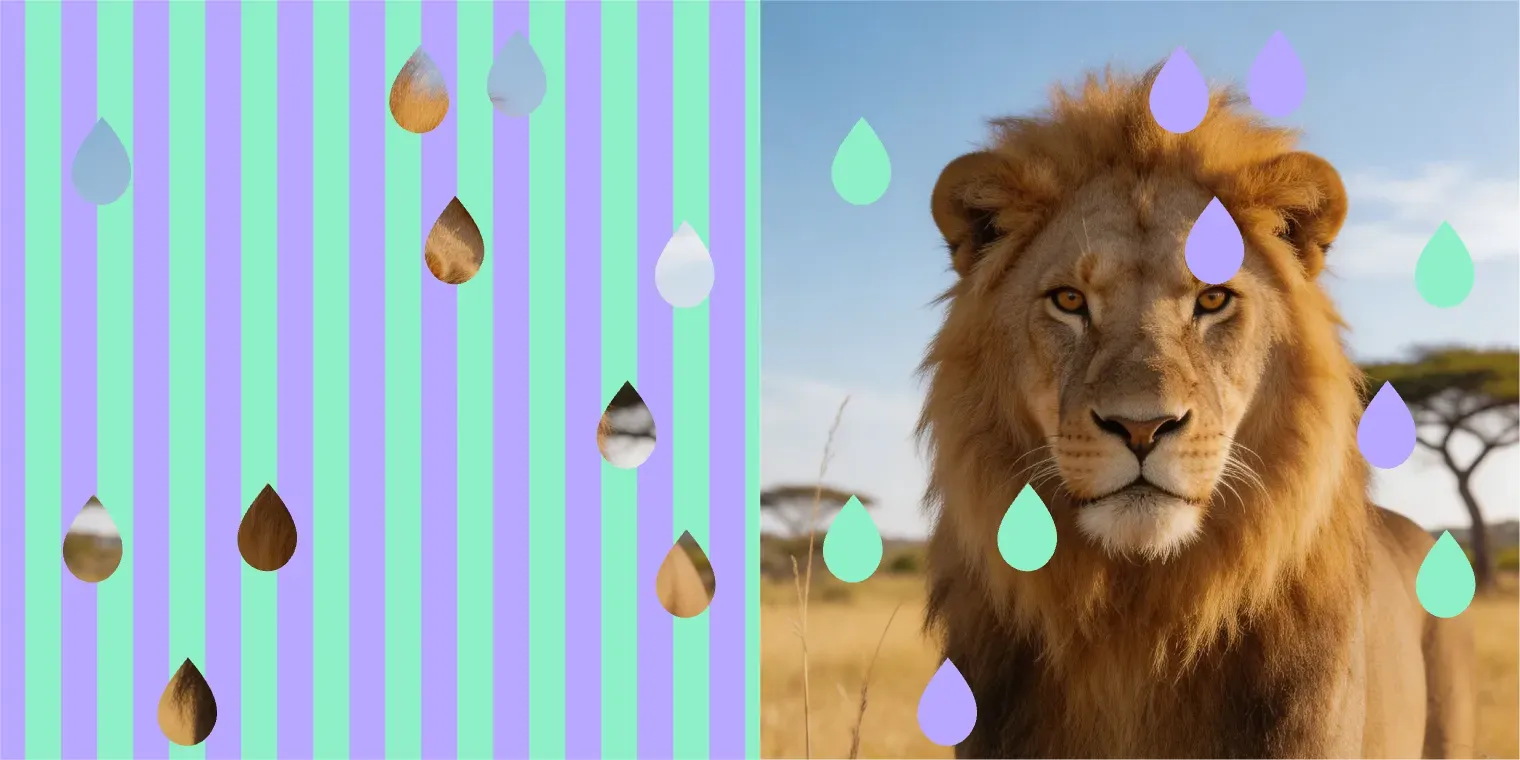
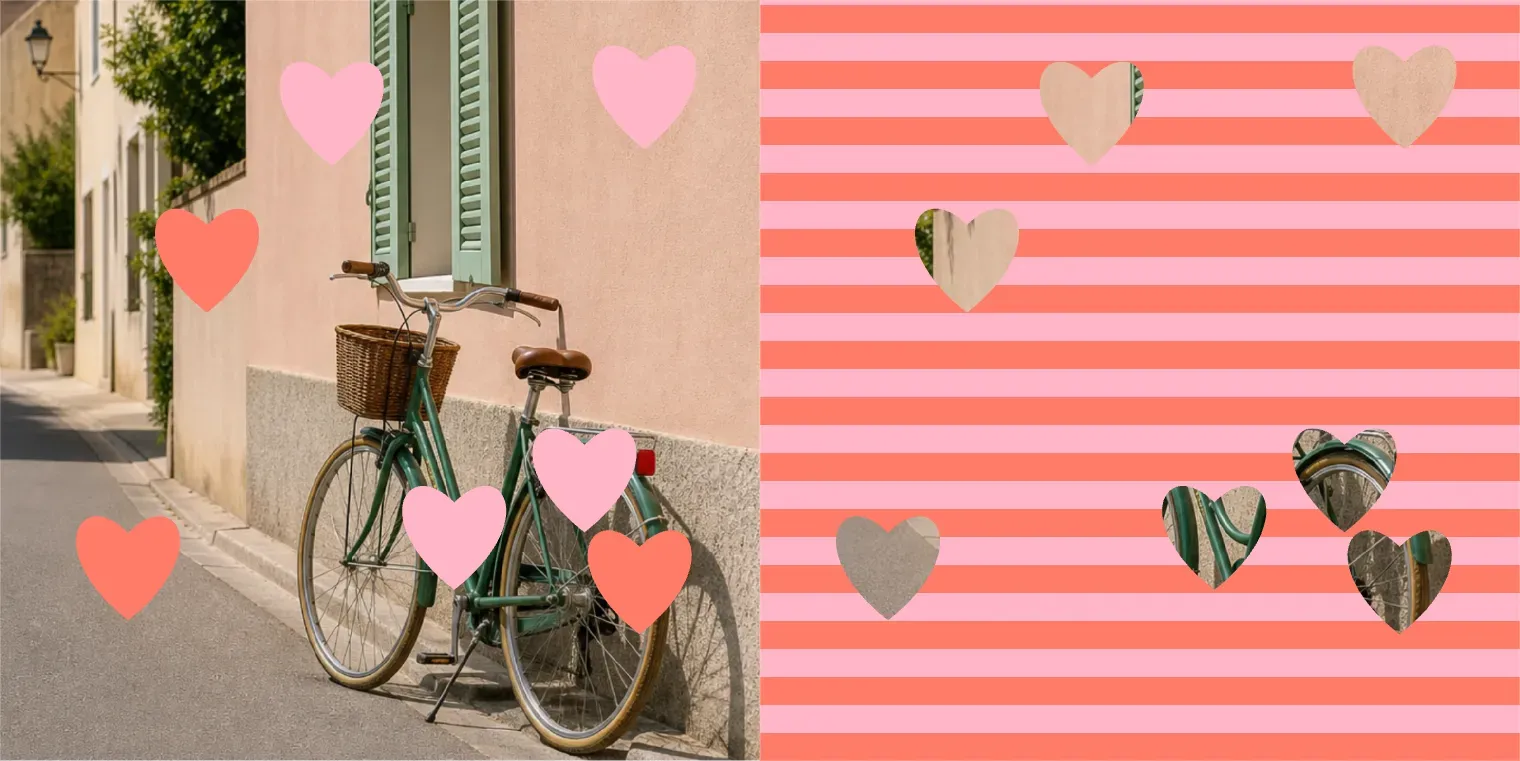
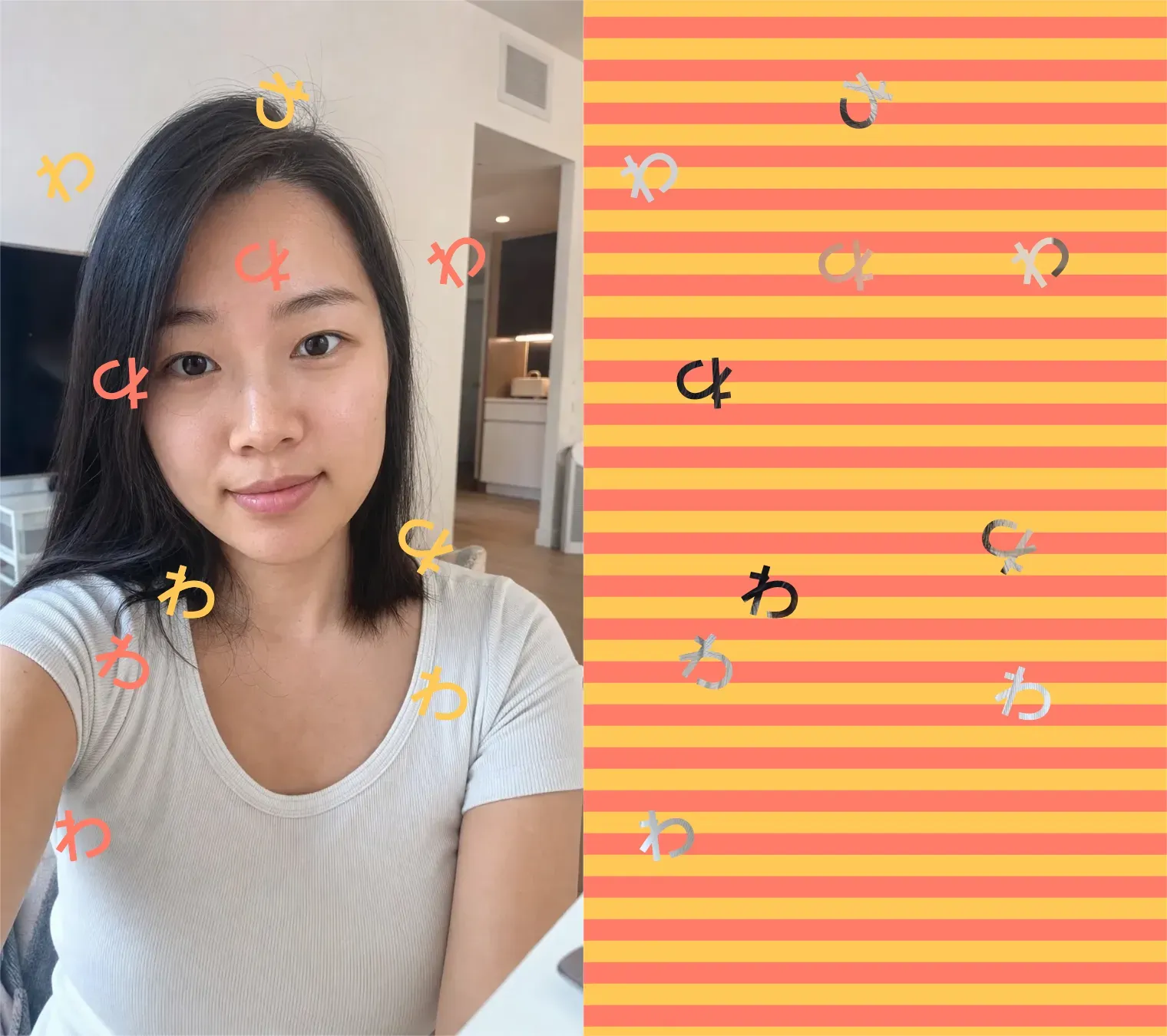
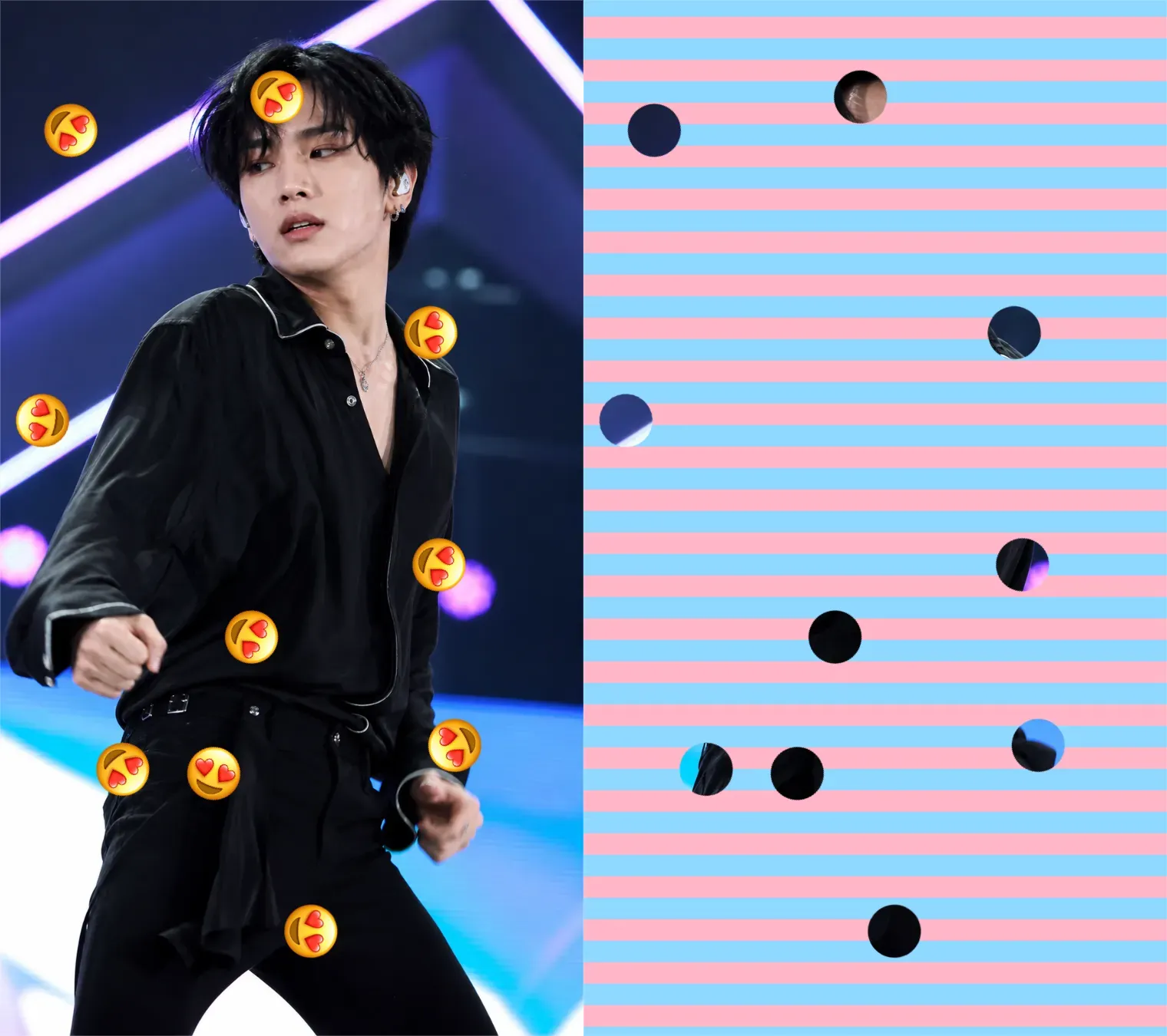
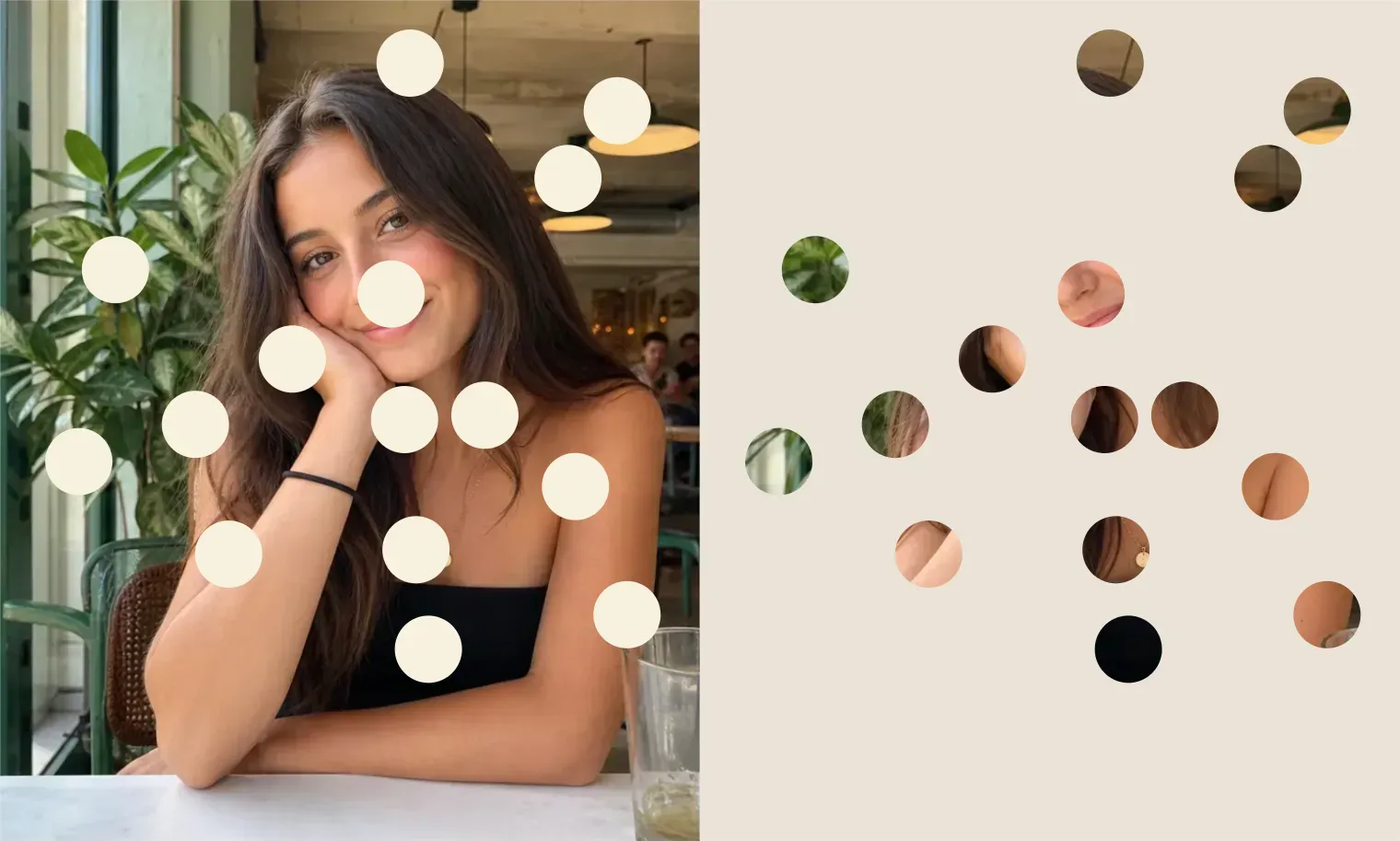
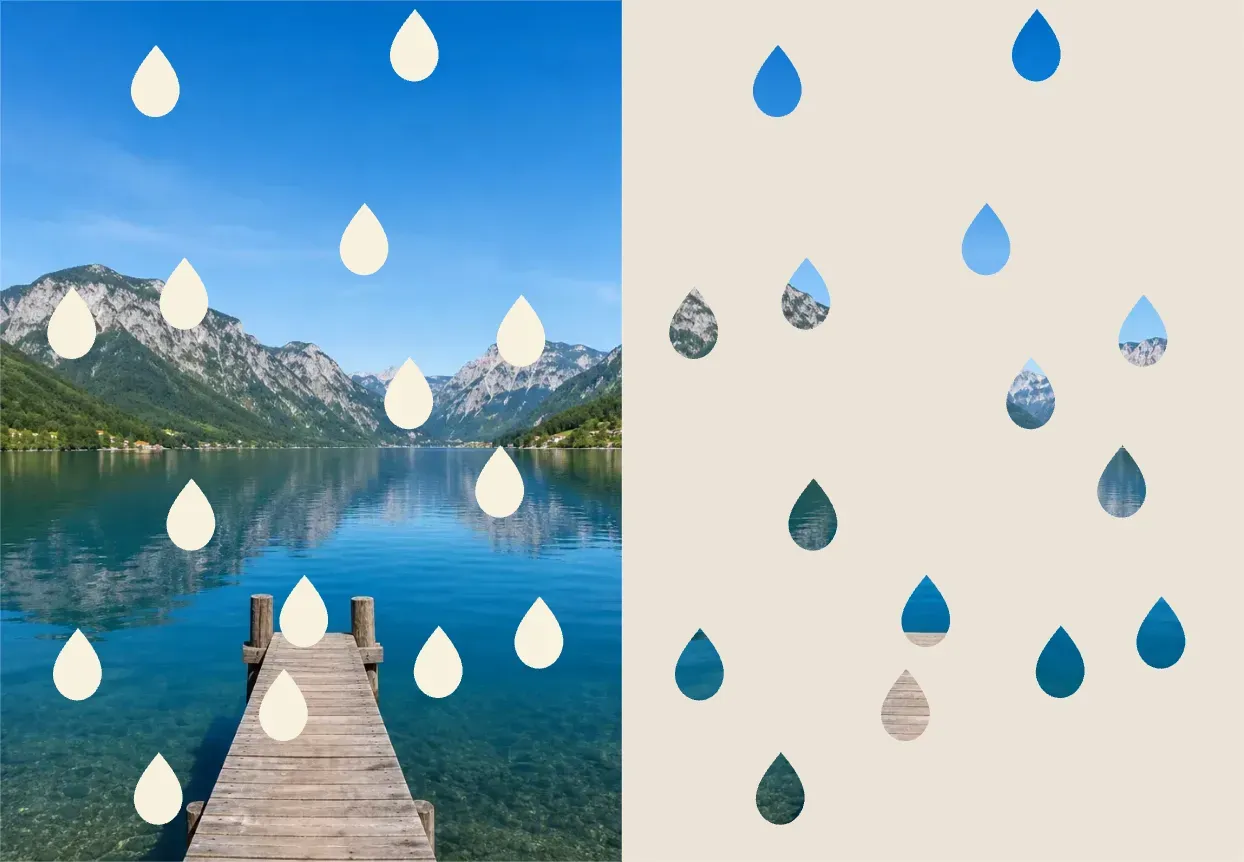
The Doooot Image Generator is an AI photo editing tool that applies dot-style decorations to an uploaded image using a structured prompt template. It is designed for users who want quick image edits without learning complex prompt writing. You only need to modify some parts of the template: 1. number of dots 2. color of dots 3. stripe design 4. layout of the image For example, you can create 15 milk white round dots, 30 pink heart dots, or 50 blue water drop patterns by changing the values in the template.

How the Doooot Prompt Template Works?

How the Doooot Prompt Template Works?

The template tells Vidoly what type of dot effect to generate: Generate the doooot image for me. Each variable controls one visual detail: number of dots: Controls how many dots or pattern elements appear in the image; color of dots: Controls the color of the dots, such as milk white, pastel pink, sky blue, gold, black, red, or rainbow; stripe design: Controls the stripe colors and angle; layout: Controls the position of the main image, with 4 positions: up, down, left, right. This makes the tool easier for casual users because they can generate different image by changing only a parameters.

What You Can Change in the Template

What You Can Change in the Template

The Doooot template is intentionally simple. Users can quickly adjust the result by replacing the values after each variable. 1. number of dots: Use smaller numbers like 5, 10, or 15 for a clean and subtle effect. Use larger numbers like 30, 50, or 80 for a denser pattern. 2. color of dots: Use soft colors for portraits, bright colors for playful edits, dark colors for contrast, and metallic colors like gold or silver for festive designs. 3. stripe design: Use two different colors for stripe and try angle with 0 or 90. 4. layout: Select the position of main image: left, right, up, down

Best Photos for Doooot Image Generation

Best Photos for Doooot Image Generation

The Doooot Image Generator works best with clear photos that have a visible subject and enough open space for the dot pattern. Portraits, selfies, pet photos, product shots, fashion photos, and simple lifestyle images are good choices. If the image is too crowded, very dark, blurry, or filled with small details, the dots may look less clean. For best results, use a photo where the main subject is easy to recognize.

Why Use a Template Instead of Writing a Full Prompt?

Why Use a Template Instead of Writing a Full Prompt?

A full AI image prompt can be hard for new users because it requires detailed wording, style control, placement instructions, and visual descriptions. Vidoly’s Doooot template removes that complexity. Users only need to change: number, color, shape. This makes the workflow faster, easier to repeat, and more suitable for generating multiple image variations.

Doooot Image Generator Use Cases

Doooot Image Generator Use Cases

1. Social Media Profile Photos Add round dots, stars, hearts, or sparkles to selfies and portraits to create a more playful profile image. 2. Product Image Decoration Add subtle dots or water drops around a product while keeping the product visible. This is useful for beauty, fashion, drink, lifestyle, and gift product visuals. 3. Couple and Holiday Images Use heart dots, pink dots, red dots, gold stars, or snowflake shapes for Valentine’s Day, Christmas, New Year, birthdays, and anniversary images. 4. Wallpapers and Posters Generate dense dot patterns, bubble effects, star decorations, or colorful abstract patterns for wallpapers, posters, thumbnails, and creative backgrounds. 5. Creator Content Use different template values to quickly create image variations for TikTok covers, Instagram posts, YouTube thumbnails, and fan edits.

Common Limitations

Common Limitations

The dot placement also depends on the image composition. If you want the subject’s face, product label, or important details to stay clear, use a cleaner input photo and avoid overly dense dot counts. For brand or commercial images, review the final output before publishing to make sure the dots do not cover logos, text, product labels, or faces.

How to Use Doooot Image Generator?

1

Upload your photo

2

Start with the Doooot prompt template

3

Change number of dots to choose how many dots you want

4

Change color of dots to choose the dot color

5

Change shape of the dots to choose round dots, stars, water drops, hearts, bubbles, or other shapes.

6

Generate and download your edited image.

FAQs

What is Vidoly’s Doooot Image Generator?

Vidoly’s Doooot Image Generator is an AI photo editing tool that adds dot-style patterns to uploaded images using a simple prompt template.

What parts of the prompt can I change?

You can change number, color, stripe. These control the number, color, and shape of the stripe.

Do I need to write a full prompt?

No. The tool is designed around a prompt template, so you only need to replace the editable values.

Can I make round dots?

Yes. Select the round dots generator for this requirement.

Can I create star-shaped dots?

Yes. Select the star dots generator for this requirement.

Can I create water drop effects?

Yes. Select the water drop dots generator for this requirement.

Can I control the exact number of dots?

You can set a target number, such as 15, 30, or 50.

What dot colors can I use?

You can use common color names such as milk white, black, pink, blue, gold, red, silver, pastel rainbow, or any descriptive color phrase.

What photos work best?

Clear photos with a visible subject and simple background usually work best. Portraits, selfies, product photos, pet photos, and fashion images are good choices.

Can I use this for social media images?

Yes. It is suitable for profile photos, Instagram posts, TikTok covers, YouTube thumbnails, wallpapers, and creator edits.

Is this different from a normal filter?

Yes. A normal filter usually applies one fixed effect. The Doooot Image Generator lets you customize the number, color, and shape of the dots through a prompt template.

Can I generate multiple versions?

Yes. Keep the same uploaded photo and change one variable at a time, such as the dot color or shape, to create different versions quickly.

Related Reading